
25 Real Estate Text Message Scripts for New Leads (Copy and Paste)
Most of your leads would rather get a text than a call. According to Zillow's 2025 Consumer Housing Trends Report for Agents, 50% of buyers who used an agent prefer texting or messaging apps, and only 33% prefer phone calls.
The hard part is knowing what to say, especially in the first message. Below are 25 real estate text message scripts you can copy today, grouped by situation: new buyers, new sellers, quiet leads, open houses and showings, and past clients. Good lead texts are short, personal, and end with one easy question. Every script here follows that rule.
How to use these scripts
Each script uses placeholders in curly braces, such as {First Name}. Replace them with real details, or with your CRM's merge fields so they fill in automatically. If you use Follow Up Boss, here are the matching merge fields:
| Placeholder | Follow Up Boss merge field | Notes |
|---|---|---|
{First Name} | %contact_first_name% | The lead's first name |
{Agent Name} | %agent_first_name% | Or %agent_name% for the full name |
{Team} | %company_name% | Your company name from FUB |
{Address} | %inquiry_address% | The home they asked about. Use %contact_street% for the lead's own home. |
{Area}, {Time} | None | Type these by hand, or use a FUB custom field |
Test every script on your own contact record before you send it to leads. A wrong merge field is easy to miss. You can find the full list in the Follow Up Boss merge fields guide.
5 rules for real estate text message scripts that get replies
- Say who you are in the first text. Your name and your team or brokerage.
- Keep it under about 40 words. If it does not fit on a phone screen without scrolling, it is too long.
- End with one question that is easy to answer. Yes or no, this or that, morning or afternoon. One question, not three.
- Sound like a person. No ALL CAPS, no "Dear valued client", no stiff sales language.
- Text during normal hours, and stop when they ask you to.
First texts to new buyer leads (scripts 1 to 5)
Speed matters with new leads. Zillow's same report found that 47% of buyers hire the first agent they speak with. These scripts are built to start that first conversation.
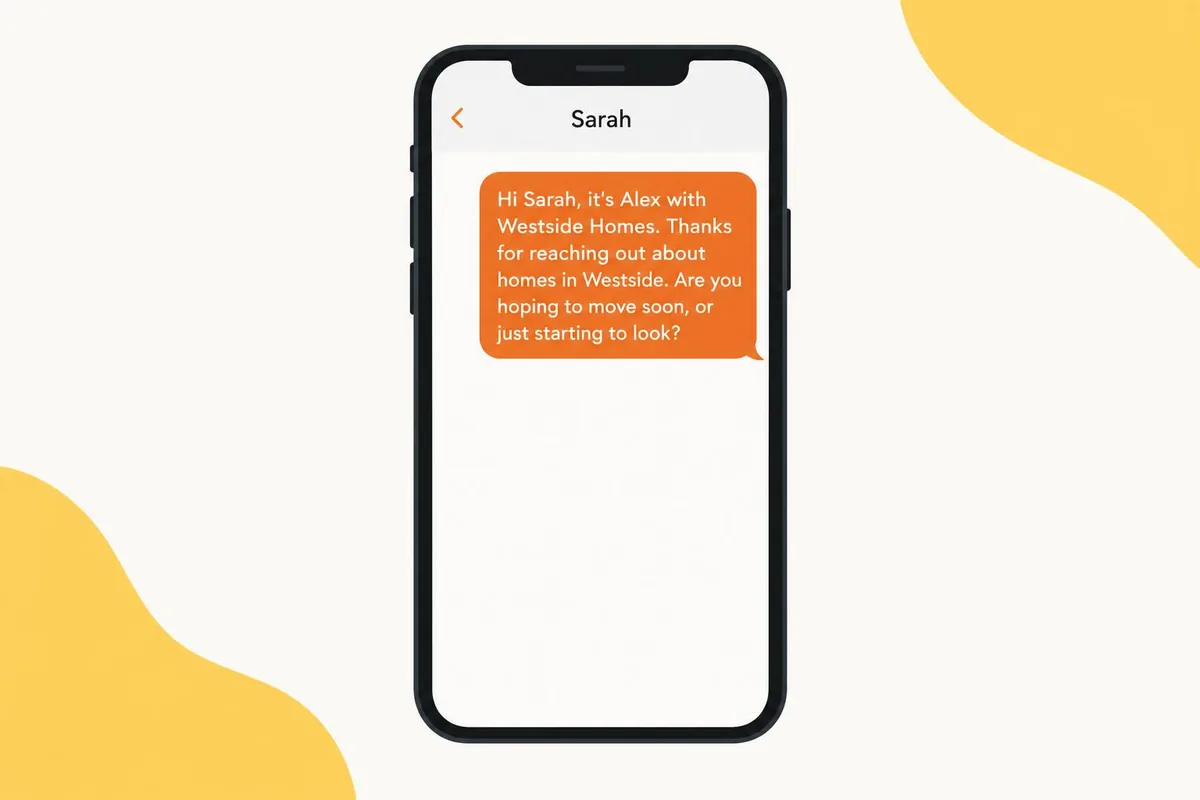
1. The simple intro. Use for any new buyer inquiry.
Hi {First Name}, it's {Agent Name} with {Team}. Thanks for reaching out about homes in {Area}. Are you hoping to move soon, or just starting to look?
2. The property inquiry. Use when they asked about a specific listing.
Hi {First Name}, {Agent Name} here. I saw you asked about {Address}. It's still available. Want to see it this week?
3. The search setup. Use when they browsed but did not ask a question.
Hi {First Name}, it's {Agent Name} with {Team}. I can send you new {Area} listings the day they come on the market. What price range should I use?
4. The either-or. Use to get a fast first reply.
Hi {First Name}, {Agent Name} with {Team}. Quick question so I send the right homes: are you looking for a house or a condo?
5. The after-hours reply. Use when a lead comes in at night.
Hi {First Name}, it's {Agent Name}. Got your message about {Area}. I'll send details first thing tomorrow. Is morning or afternoon better for a quick call?
First texts to new seller leads (scripts 6 to 10)
Your first job with a seller lead is to find out if they are serious or just curious.
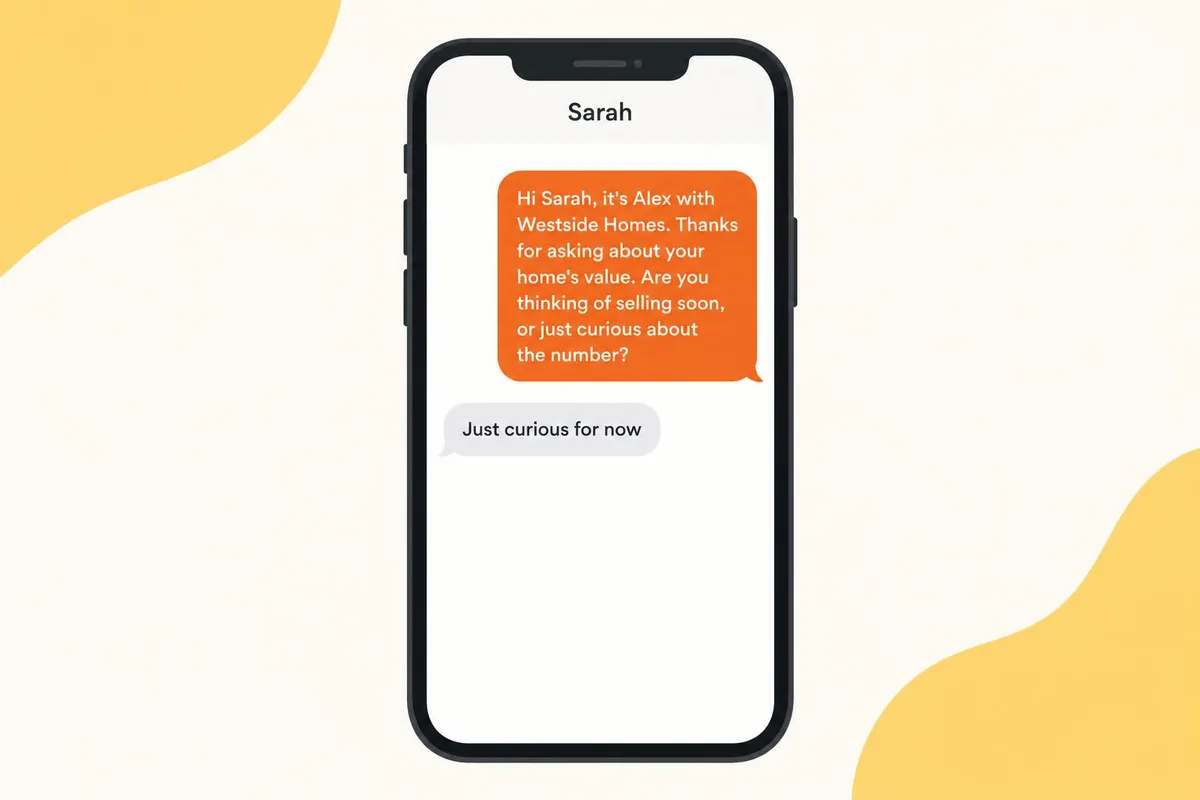
6. The home value follow-up. Use after an online valuation request.
Hi {First Name}, it's {Agent Name} with {Team}. Thanks for asking about your home's value. Are you thinking of selling soon, or just curious about the number?
7. The better estimate. Use as a second touch.
{First Name}, online estimates can be off by a lot. I can put together a real price range from recent sales near you. Want me to send it?
8. The nearby sale. Use when a comparable home sells.
Hi {First Name}, {Agent Name} here. A home near you just sold. Want to know what it went for?
9. The timeline question. Use to qualify.
{First Name}, if you did sell, would it be this year or further out? No pressure either way. It just helps me send the right info.
10. The upgrades question. Use to start a real conversation.
Quick one {First Name}: have you done any updates to the home in the last few years? It changes the price range more than people expect.
Follow-up texts when a lead goes quiet (scripts 11 to 15)
Most leads do not answer the first text. These follow-ups give them an easy reason to reply.
11. The gentle nudge. Use 2 to 3 days after no reply.
Hi {First Name}, just checking my last message came through. Still interested in homes in {Area}?
12. The new information. Use to give a reason to reply.
{First Name}, a couple of new homes came up in {Area} this week. Want me to send the best two?
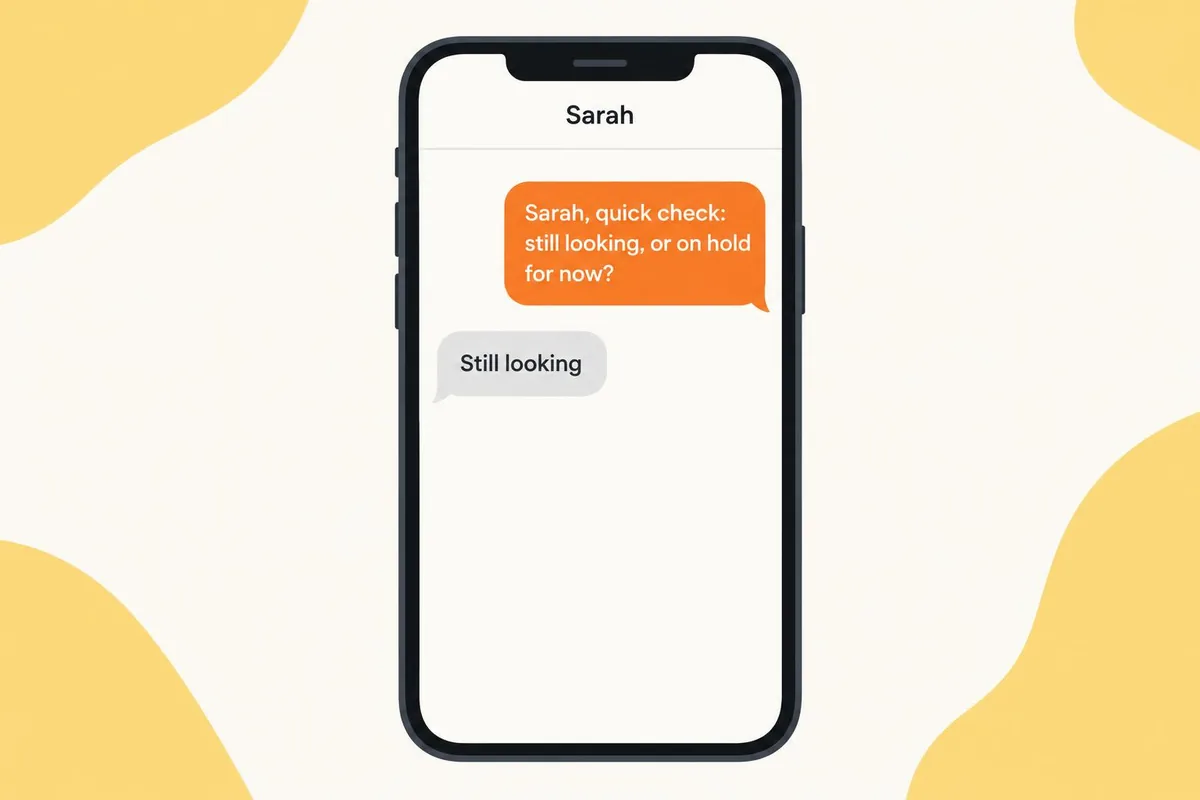
13. The one-word answer. Use when longer texts get ignored.
{First Name}, quick check: still looking, or on hold for now?
14. The helpful offer. Use for buyers who have not talked to a lender.
Hi {First Name}, are you working with a lender yet? Happy to share a couple my clients like.
15. The polite close. Use as the last text in a sequence.
Hi {First Name}, I don't want to bug you. Should I keep sending updates, or check back in a few months?
Scripts 11 to 15 work well as a sequence: send them a few days apart, and stop as soon as the lead replies. Our drip campaign tutorial shows how to set that up in Follow Up Boss.
Open house and showing texts (scripts 16 to 19)
Send these around in-person events, while the visit is still fresh.
16. Open house invite. Use a few days before the event.
Hi {First Name}, it's {Agent Name} with {Team}. We're hosting an open house at {Address} this Saturday from 1 to 3. Want me to send the details?
17. Open house thank-you. Send the same day.
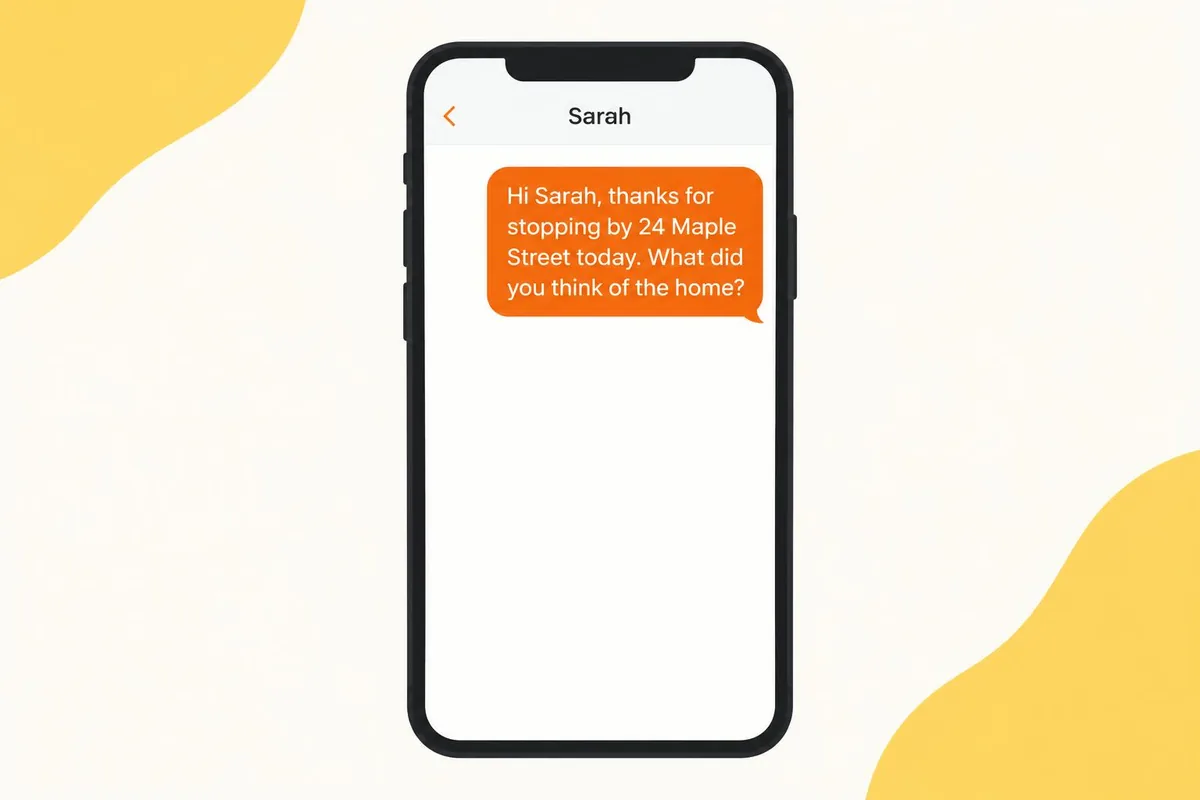
Hi {First Name}, thanks for stopping by {Address} today. What did you think of the home?
18. Showing confirmation. Send the day before.
Hi {First Name}, confirming our showing at {Address} tomorrow at {Time}. I'll meet you out front. See you then!
19. After the showing. Send a few hours later.
{First Name}, now that you've seen it, how did {Address} compare to what you had in mind?
Inviting a whole list to an open house? You can send script 16 to every contact on a smart list at once. Here is how to send bulk texts in Follow Up Boss.
Texts for old leads and past clients (scripts 20 to 25)
These scripts reopen old conversations and keep you top of mind with past clients.
20. The re-introduction. Use for leads older than 6 months.
Hi {First Name}, it's {Agent Name} with {Team}. We spoke a while back about homes in {Area}. Are you still thinking about a move?
21. The market change. Use when prices or rates shift.
{First Name}, the market in {Area} has shifted since we last talked. Want a quick update on what that means for you?
22. The status check. Use to clean up old leads.
Hi {First Name}, did you end up buying, or are you still looking?
23. The home anniversary. Use for past clients.
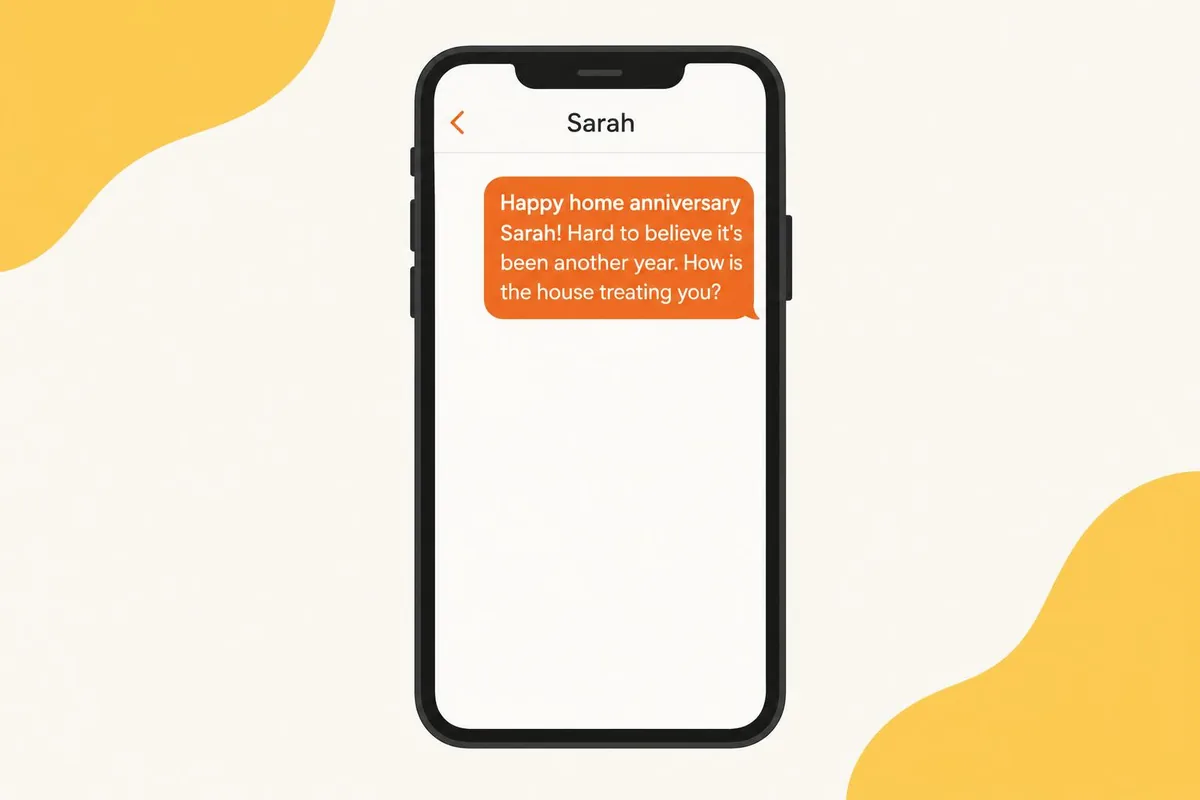
Happy home anniversary {First Name}! Hard to believe it's been another year. How is the house treating you?
Want more seasonal touches like this? Here is how to schedule holiday text messages in Follow Up Boss.
24. The yearly value check. Use once a year with past clients.
Hi {First Name}, {Agent Name} here. Want a quick update on what your home is worth this year?
25. The referral ask. Use only with happy past clients.
Hi {First Name}, hope all is well! If you know anyone thinking of buying or selling this year, I'd be glad to help them the way I helped you.
Past clients are also the right people to invite to an event. See how to use AI agents for client appreciation events.
Texts to avoid
A few habits get texts ignored, blocked, or filtered by carriers. Avoid these:
- The wall of text. More than 3 sentences reads like an email.
- The guilt trip. "Are you still interested in buying a home???" sounds impatient. Script 13 asks the same thing politely.
- Anything that looks like an ad. ALL CAPS, "FREE", lots of exclamation marks and shortened links all look like spam to people and to carrier filters.
- No name. If the lead cannot tell who is texting, they will not reply.
- Texting after someone asked you to stop. When a lead says stop, you stop. No "just one more".
A quick note on consent and opt-outs
Only text people who gave you their number and agreed to be contacted, and never text a purchased or cold list. Make it easy to opt out, for example with "Reply STOP to opt out" on the first message, and honor every opt-out right away. Carriers expect this too: Follow Up Boss explains what they look for in its article on how to obtain proper opt-in consent on your website, and the wireless industry's CTIA Messaging Principles and Best Practices set out the consent and opt-out expectations for business texting. Rules vary by state and situation, so check with your broker or attorney. This is general information, not legal advice.
How to send these scripts automatically
If you use Follow Up Boss, you can load these scripts into Action Plans so they send on schedule. Follow Up Boss leaves drip and mass texting to partner integrations, and Texting Betty is one of the drip texting partners it lists. With Texting Betty:
- Each script becomes an Action Plan step with its own send time, inside your business hours. Merge fields fill in the details.
- Replies come back to your FUB inbox and the contact's timeline, and the plan stops for that contact when they answer.
- The AI Agent, included in every plan, can reply to the lead's answer by text during your business hours, ask qualifying questions, and hand off to you when they are ready to talk. Here is how to customize your Texting Betty AI Agent.
- You can launch any script to a whole smart list at once, such as an open house invite or a re-introduction to old leads, using the bulk texting launcher.
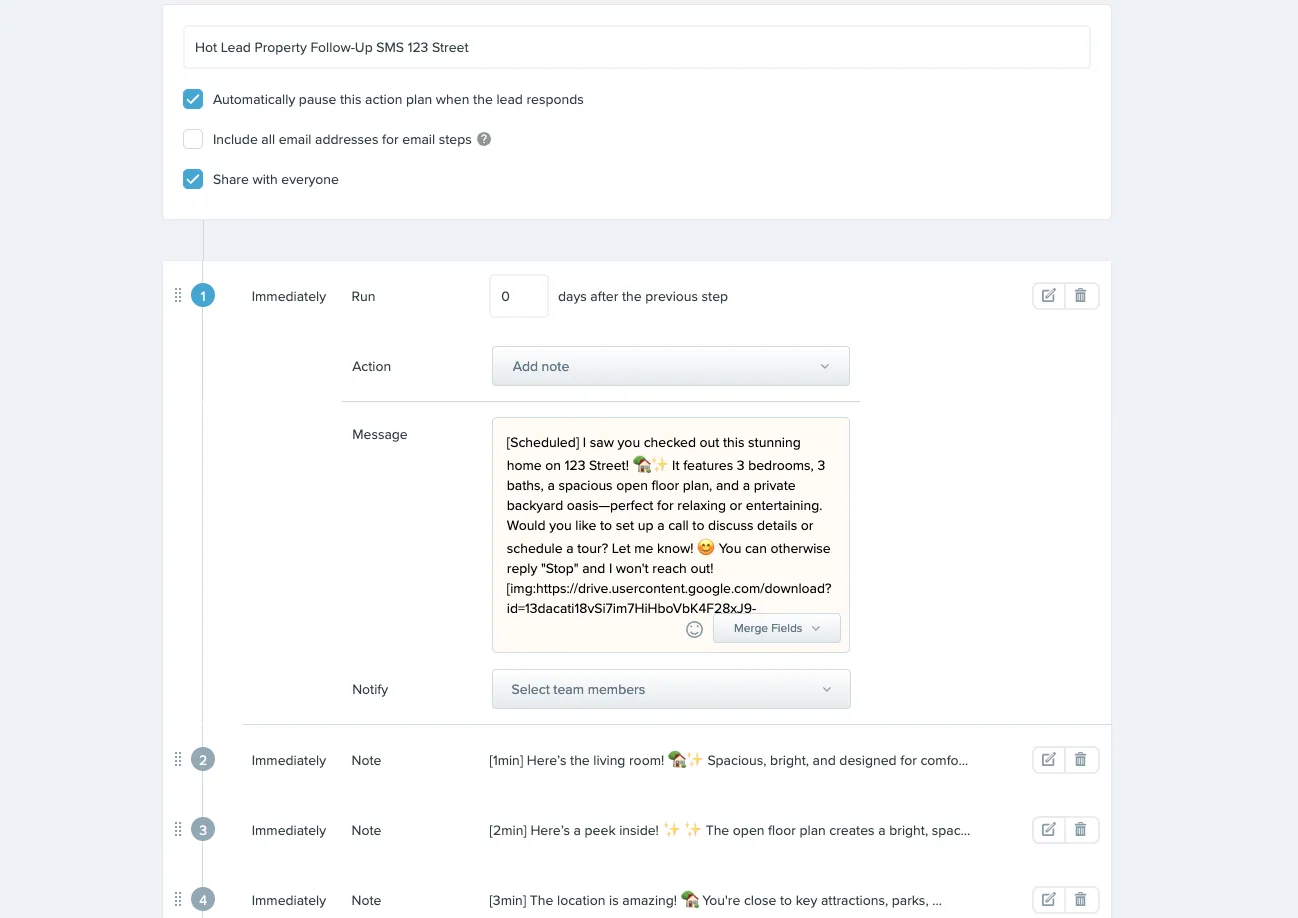
This short video shows how to turn a sequence like scripts 11 to 15 into a text drip campaign:
Every send-time tag is listed in our guides.
Frequently Asked Questions
What should the first text to a real estate lead say?Your name, your team, why you are texting, and one easy question. Script 1 is a good starting point.
How long should a real estate text be?Under about 40 words.
How soon should I text a new lead?As soon as you can, within business hours. Zillow's 2025 Consumer Housing Trends Report for Agents found that 47% of buyers and 59% of sellers hire the first agent they speak with.
How many times should I follow up by text?A common approach is 4 to 8 texts spread over 2 to 3 weeks, mixed with email and calls. After that, move the lead to a slower long-term nurture plan.
What should I text a lead who stopped responding?Send something short that takes one word to answer, such as script 13: "Still looking, or on hold for now?" If there is still no reply, end politely with script 15 and offer to check back later.
Is it okay to text real estate leads?Generally yes, when the person gave you their number and agreed to be contacted, and you honor opt-out requests right away. Rules vary, so check with your broker or attorney. This is general information, not legal advice.
Can I automate real estate text messages?Yes, with a texting tool connected to your CRM. In Follow Up Boss, a texting integration such as Texting Betty sends scripts as Action Plan steps on a schedule, and replies come back to your FUB inbox.
Should I use emojis in real estate texts?Sparingly. Match the lead's tone, and skip them if they write formally.
Start with three scripts this week
You do not need all 25 at once. Pick three that fit the leads you have right now, send them this week, and keep the ones that get replies. Then put your favorites on autopilot in Follow Up Boss so no new lead waits for a first text.
Related posts
How to Send Bulk Texts in Follow Up Boss
Follow Up Boss has batch email but no bulk texting. Here is how to text a list of contacts from FUB safely, step by step.
READ MORE »: How to Send Bulk Texts in Follow Up Boss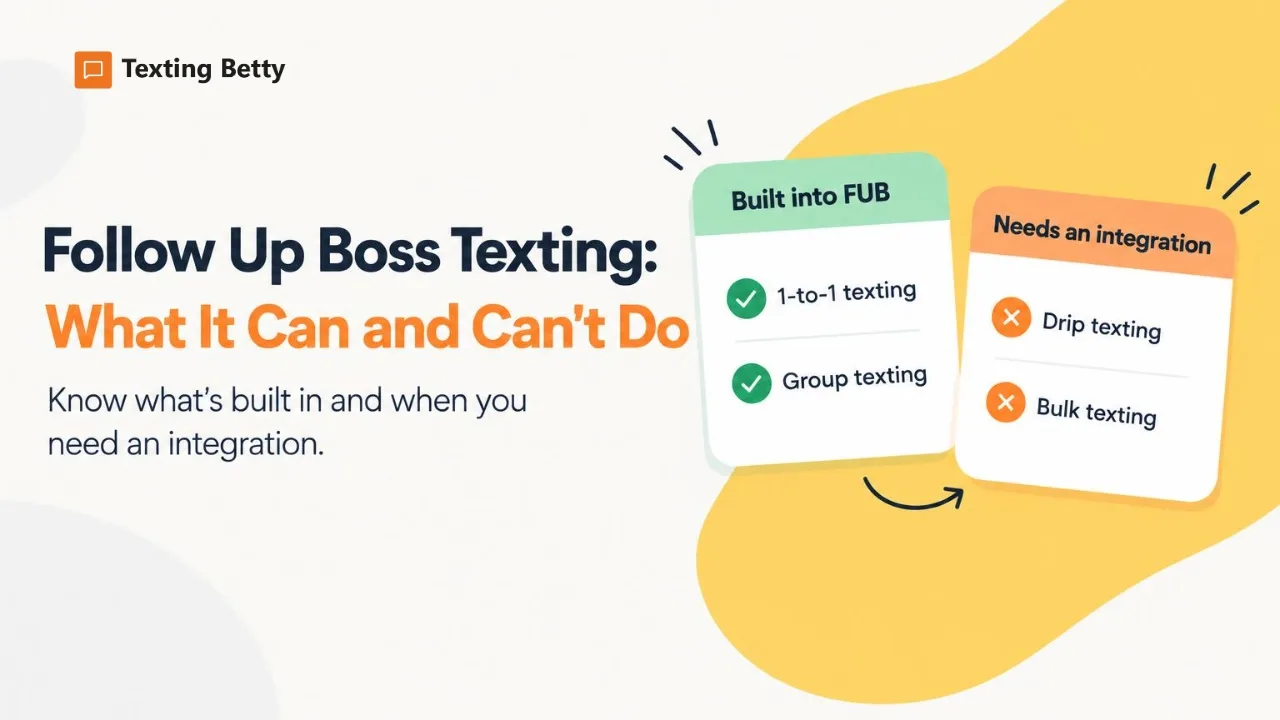
Follow Up Boss Texting: What It Can and Can’t Do
What Follow Up Boss texting includes, what it leaves out (drip and bulk texts), and how teams add automated texting inside FUB.
READ MORE »: Follow Up Boss Texting: What It Can and Can’t Do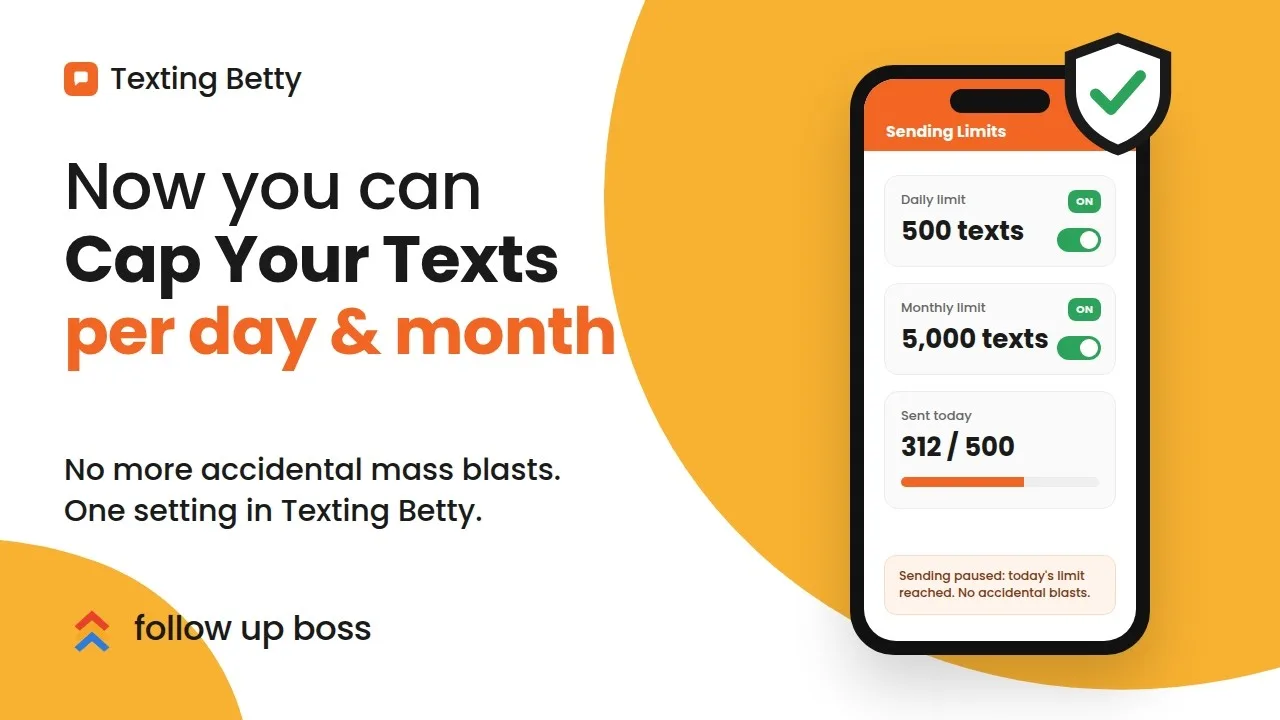
How to Set Sending Limits in Texting Betty
Set daily and monthly Texting Betty sending limits to stop runaway automation while keeping manual messages and AI replies flowing.
READ MORE »: How to Set Sending Limits in Texting Betty