
How to Use AI Agents for Client Appreciation Events
How to Use AI Agents for Client Appreciation Events
Planning a client appreciation event is one of the best ways to strengthen relationships with your database, but managing all those RSVPs can quickly become overwhelming. Between tracking who’s coming, following up with non-responders, and handling the inevitable mix of yeses, maybes, and declines, you could easily spend hours on administrative tasks that take you away from actually preparing for the event itself.The good news is that you can automate the entire invitation and response management process using AI agents inside Follow Up Boss. This approach lets you send personalized invitations to your entire client list, automatically handle confirmations and declines, and keep everything organized with tags, all without manually managing each conversation.
Building Your Invitation Action Plan
The first step is creating an action plan that will send out your event invitations. Rather than starting from scratch, you can use an action plan designer that generates the entire sequence based on your instructions. Simply describe what you’re trying to accomplish, the event details, date, location, and what you want the messaging to sound like, and the tool will create a complete multi-step action plan for you.A well-structured invitation sequence typically includes three touchpoints:
- The first message goes out immediately, introducing the event and asking for an RSVP.
- If there’s no response after about ten days, a reminder goes out encouraging them to let you know if they can make it.
- A final reminder follows seven days later for anyone who still hasn’t responded.
Setting Up Your AI Agent
Here’s where the real magic happens. Instead of manually reading every response and updating records accordingly, an AI agent handles the entire conversation flow automatically. You’ll want to configure your agent with clear instructions about the event and define what should happen for each type of response.Confirmations
When someone replies that they’ll attend, the AI responds with a friendly confirmation that includes the event details, date, time, and location. It also automatically adds a tag like “RSVP Confirmed 2026” to the contact record, making it easy to pull a list of confirmed attendees later.Declines
When someone can’t make it, you’ll want to set up a separate intent that recognizes decline responses. The AI sends an appropriate reply expressing that you’ll miss them, and applies a different tag such as “Event Declined 2026.” This way you’re not left wondering who said no, it’s all tracked automatically.Opt-Outs
If someone replies with “STOP” or similar language indicating they don’t want further messages, you can configure the agent to add an opt-out tag and automatically close the conversation. This keeps your inbox clean and ensures you’re not wasting time reviewing conversations that require no action.The testing playground is invaluable here. Before launching anything, run through different scenarios, positive responses, negative responses, questions about the event, and opt-out requests. Make sure the AI handles each appropriately and that your tags are being applied correctly. It’s much better to catch issues in testing than after you’ve messaged hundreds of clients.
Launching to Your Client List
With your action plan built and AI agent configured, you’re ready to launch. Create a smart list in Follow Up Boss that filters to the specific clients you want to invite, perhaps everyone tagged as a past client, or contacts in a particular geographic area. Then use the action plan launcher to apply your invitation sequence to everyone on that list simultaneously.The launcher gives you options to skip contacts who have already received the plan or whose plans are currently paused. You can also add tags after launch, such as “Client Invited 2026,” which helps you track who has been contacted. Click launch, and your invitations start going out automatically.
As responses come in, your AI agent processes them in real time:
- Confirmations get tagged and receive appropriate responses.
- Declines are acknowledged and tracked.
- Questions about parking, timing, or other details can be answered automatically if you’ve trained your agent on those scenarios.
- Complex conversations or special requests, such as bringing extra guests, can be flagged for your team to handle personally.
Start Streamlining Your Next Client Appreciation Event
Ready to take the admin work out of event planning? Set up your AI agent and action plan today, and spend less time on admin work and more time building the relationships that grow your business.Related posts
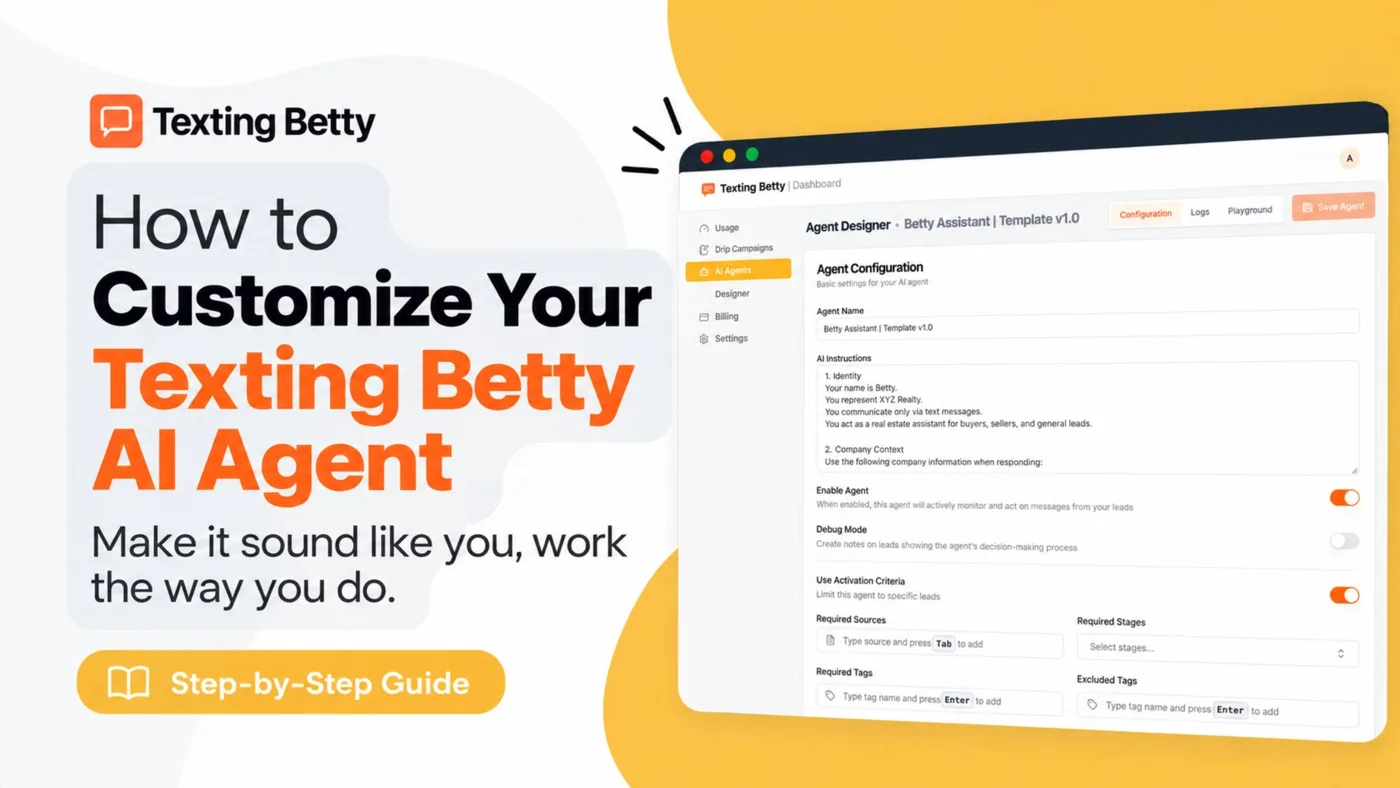
How to Customize Your Texting Betty AI Agent
Personalize your Texting Betty AI Agent with the right merge fields, intents, tags, and exclusions, then test before going live.
READ MORE »: How to Customize Your Texting Betty AI Agent
How to Build a Text-for-Info System with AI Agents Inside Follow Up Boss
Build a text-for-info system in Follow Up Boss with Texting Betty’s AI. Auto-reply with listings and hand off hot leads.
READ MORE »: How to Build a Text-for-Info System with AI Agents Inside Follow Up Boss
Follow Up Boss Action Plan Texts: Complete Guide With 5 Ready-to-Use Sequences
How to add automated texts to Follow Up Boss Action Plans, with timing rules and 5 text sequences you can copy for new leads and nurture.
READ MORE »: Follow Up Boss Action Plan Texts: Complete Guide With 5 Ready-to-Use Sequences