
How to Build a Text-for-Info System with AI Agents Inside Follow Up Boss
Build a Text-for-Info System Inside Your CRM with Texting Betty
Why Build Your Text-for-Info System Inside Your CRM
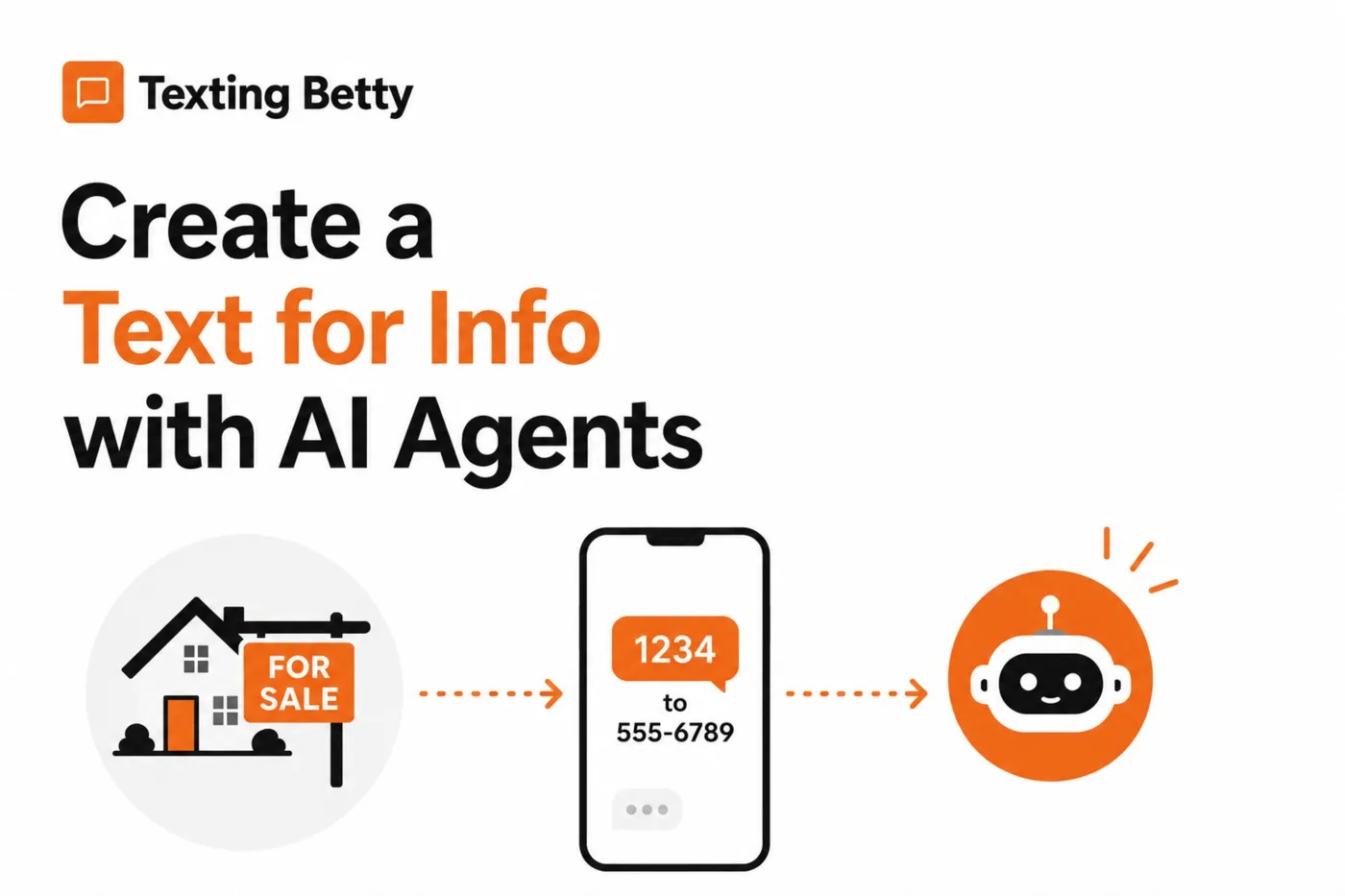
If you’ve ever put up a for-sale sign with a code that prospects can text to get property details, you know how valuable text-for-info systems can be. Someone walking by sends a quick message, and they instantly receive information about the listing. Traditionally, this requires a separate system, another subscription, another login, and another place where conversations happen outside your main workflow.
But here’s the thing: every communication with a potential buyer or seller should live in one place. When you build your text-for-info system directly inside Follow Up Boss using the AI agents feature in Texting Betty, you consolidate everything. No more jumping between platforms, no more missed follow-ups because a lead came through a different system, and yes, you’ll save money by eliminating that extra subscription.
Setting Up Your Property Code and AI Response
The setup process is surprisingly straightforward. Start by navigating to the Texting Betty embedded app within Follow Up Boss, clicking on Dashboard, and then Access Dashboard. From there, you’ll find the AI Agents section where you can configure how the AI responds to incoming messages.
The magic happens in what’s called intents. Think of an intent as a specific trigger that tells the AI when to take a particular action. For a text-for-info system, you’ll create a new intent that recognizes when someone texts your property code, whether that’s “1234” or any unique keyword you choose.
When adding your intent, you’ll write a description that helps the AI understand exactly when to use it. Something like: “Contact says 1234 or asks for information about 123 Main Street.” This flexibility means prospects can either use your shortcode or simply mention the address, and the AI knows what to do.
Next, you’ll configure the action itself. Set the action type to Send Text and then paste in all the relevant property details, price, address, bedrooms, bathrooms, square footage, and any other features you want to highlight. The AI will use this information to craft a natural, conversational response rather than just dumping raw data on the prospect.
Testing Your Setup with the AI Playground
Before going live, you’ll want to test everything using the Playground feature. This simulation tool lets you see exactly how the AI will respond to various messages without actually sending anything to real leads.
Clear any existing test conversations and type your property code say, “1234” as if you were a prospect walking by the house. When you process the conversation, you’ll see two important things: first, the AI explains why it chose this particular response (helpful for debugging), and second, you’ll see the actual message that would go out.
What makes this particularly powerful is that the AI doesn’t just send property information and call it a day. It continues the conversation. After providing the listing details, it might ask: “Would you like to schedule a tour?” If the prospect says yes and suggests a time, the AI recognizes this as a moment requiring human intervention, notifies the agent, creates a task in Follow Up Boss, and gracefully hands off the conversation.
This is where the real value emerges. The AI qualifies the lead, gathers important information, and only pulls in a human when there’s a serious prospect ready to take action. Your time goes toward high-value activities rather than responding to every initial inquiry.
Understanding How the AI Handles Handoffs
One common misconception about AI agents is that they’re trying to replace human agents entirely. That’s not the goal here. The AI serves as your first responder, available around the clock, never forgetting to follow up, and always ready with property information.
When a conversation reaches a point where human judgment is needed, like confirming a showing appointment, the AI automatically applies specific tags such as Texting Betty Human Needed. This tag becomes your filter in Follow Up Boss, letting you quickly identify which leads need immediate attention. The AI also applies an AI Off tag to pause automated responses, ensuring a human handles the sensitive parts of the transaction.
Tasks get created automatically so nothing falls through the cracks. If a prospect requests a tour tomorrow at 2 PM, you’ll have a task waiting in Follow Up Boss with all the relevant details from the conversation.
Putting It All Together
The beauty of this approach is its simplicity once configured. You create your property code, add the listing information to your AI intent, test it in the playground, and you’re ready to go. Every text that comes in gets logged in Follow Up Boss, responses go out under your branding, and conversations stay organized alongside all your other lead communications.
For teams managing multiple listings, you can create separate intents for each property, each with its own unique code and information. The AI handles the routing automatically based on what the prospect texts.
If you’re currently paying for a standalone text-for-info service, consider consolidating into your existing Texting Betty subscription. You’ll have fewer systems to manage, better conversation tracking, and the added benefit of AI-powered lead qualification working for you around the clock.
Need Help Setting This Up?
Setting up your text-for-info system doesn’t have to be a solo project. If you run into questions configuring your intents, want help fine-tuning your AI’s responses, or just want a second set of eyes before you go live, our support team is here for you.
Reach out to us at support@textingbetty.com and we’ll help you get your Texting Betty AI agent up and running smoothly.
Related posts
Follow Up Boss Action Plan Texts: Complete Guide With 5 Ready-to-Use Sequences
How to add automated texts to Follow Up Boss Action Plans, with timing rules and 5 text sequences you can copy for new leads and nurture.
READ MORE »: Follow Up Boss Action Plan Texts: Complete Guide With 5 Ready-to-Use Sequences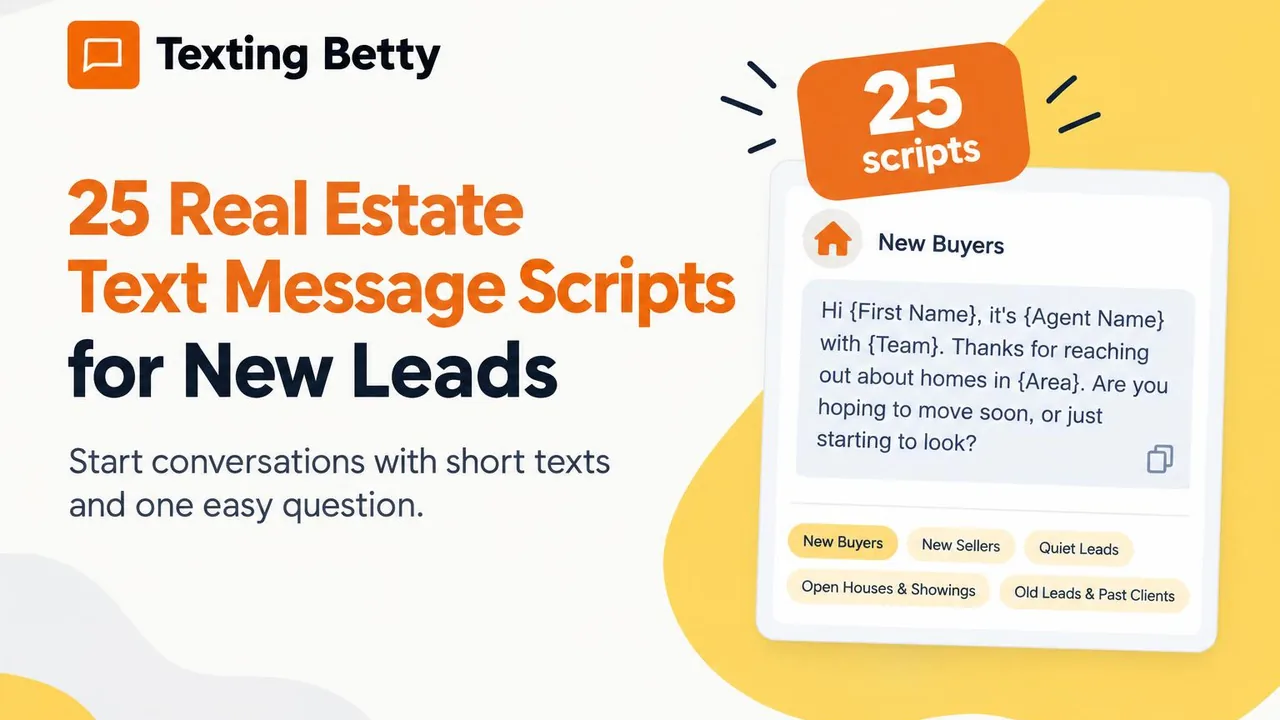
25 Real Estate Text Message Scripts for New Leads (Copy and Paste)
25 copy and paste real estate text message scripts for buyers, sellers, open houses, quiet leads and past clients, plus rules for better replies.
READ MORE »: 25 Real Estate Text Message Scripts for New Leads (Copy and Paste)
How to Send Bulk Texts in Follow Up Boss
Follow Up Boss has batch email but no bulk texting. Here is how to text a list of contacts from FUB safely, step by step.
READ MORE »: How to Send Bulk Texts in Follow Up Boss