
You use Follow Up Boss every day, and you want your texts to go out on their own: a welcome text to every new lead, a nurture sequence over the next few weeks, an open house invite to a whole list. Can Follow Up Boss texting do that?
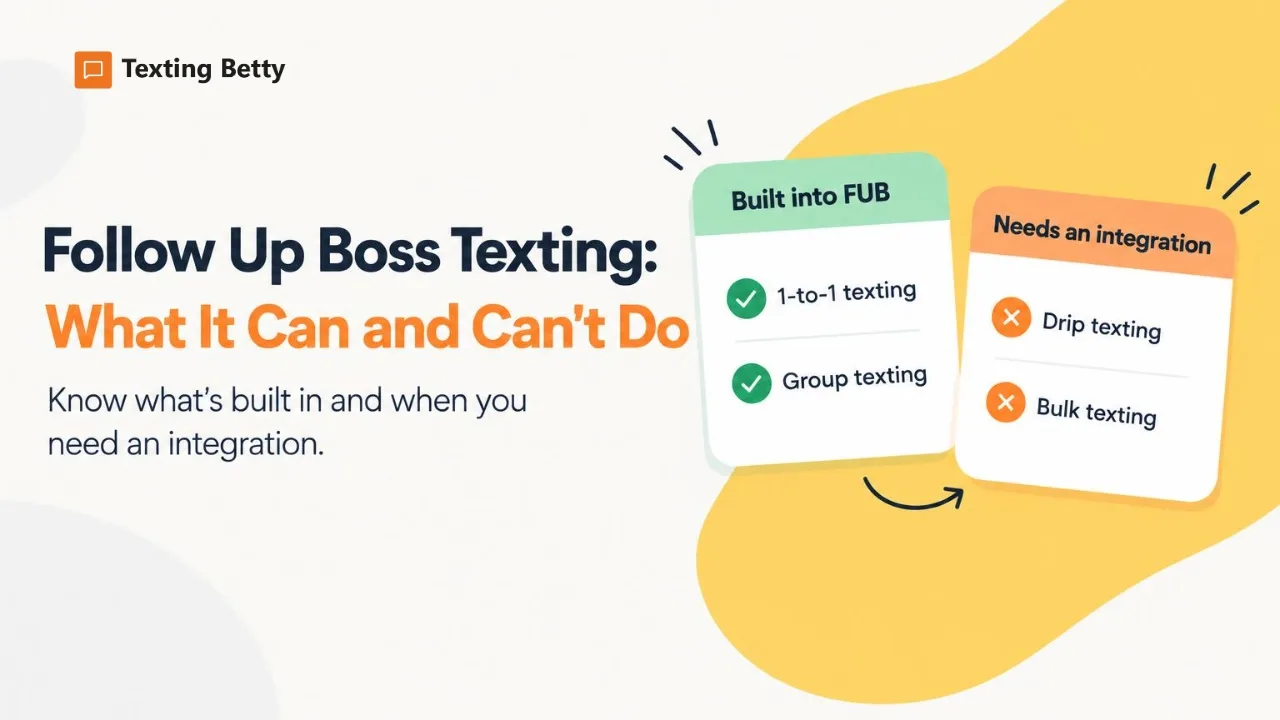
The short answer: Follow Up Boss includes solid 1-to-1 and group texting, a single automated first text for new leads, and AI-suggested replies. It does not include drip texting or mass texting. For those, Follow Up Boss points you to partner integrations. Below is exactly what is built in, what is not, and how teams fill the gap.
What Follow Up Boss texting includes
Follow Up Boss (FUB) has a capable texting toolkit for conversations between an agent and a lead. Here is what you get out of the box, according to the Follow Up Boss texting overview:
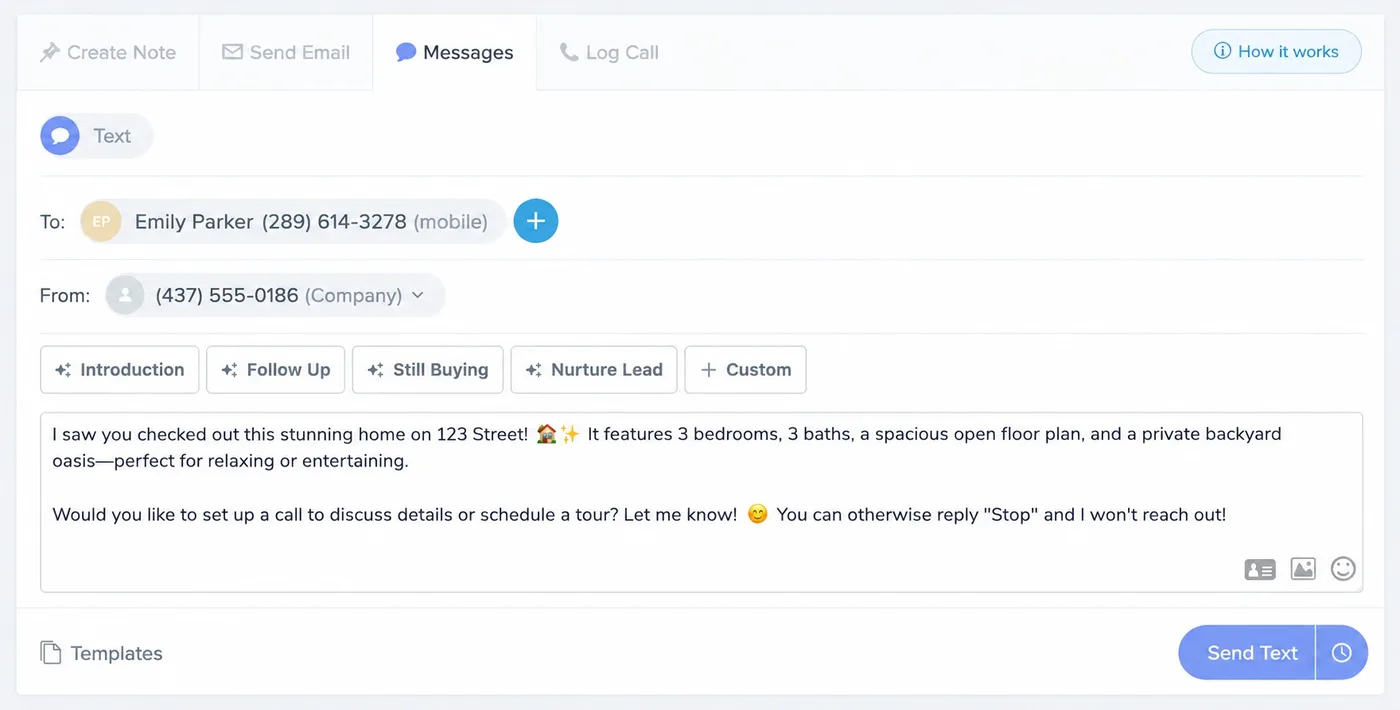
- 1-to-1 texting from desktop and mobile. Text a lead from your FUB number on the desktop app or the iPhone and Android apps.
- Several ways to text on desktop. From the lead profile, from Quick Text, from the Inbox, or from a smart list.
- Everything is logged. Texts land on the contact’s timeline, so any teammate working that lead can see the full conversation.
- Group texting. Handy for keeping spouses, partners and co-buyers in the same thread.
- Image texts. Send a photo of a property the same way you would from any phone.
- Video texts. From the mobile app, with files up to 500 MB. Larger videos are sent as a link so the quality holds (source).
- Text templates. Save the messages you send most often.
- Landline detection. New numbers are flagged as mobile or landline, and landlines are hidden from texting screens (source).
- Schedule Text. Schedule a single 1-to-1 text up to 24 hours ahead, one scheduled text per contact (source).
- Instant Response. One automated first text to new leads as they come in through Lead Flow, for eligible lead types such as website registrations and property inquiries. It is a single message, not a sequence (source).
- Smart Messages. AI-suggested drafts for texts and emails. You review the draft and press send yourself (source).
Note: your business registration must be approved before you can send any texts from Follow Up Boss.
What Follow Up Boss texting does not include
Two things are not built in:
- Drip texting. Automated text sequences that go out on a schedule, over days or weeks, without anyone pressing send.
- Mass or bulk texting. One message sent to a whole list of contacts at once.
This is a deliberate choice, and Follow Up Boss explains it in its own Help Center article on drip and mass texting. In short, FUB’s calling and texting are built to be your direct business line. Keeping drip and mass texting out of the product protects the reputation of your business number, so your important 1-to-1 and group texts keep reaching your hot leads and clients. Instead of building these features itself, Follow Up Boss says it will keep integrating with specialized texting providers.
| Texting need | Built into Follow Up Boss? |
|---|---|
| Text one lead from the profile or inbox | Yes |
| Group text | Yes |
| Image and video texts | Yes |
| Text templates | Yes |
| Schedule one text up to 24 hours ahead | Yes (Schedule Text) |
| One automated first text to a new lead | Yes (Instant Response) |
| AI-suggested drafts you review and send | Yes (Smart Messages) |
| Automated text steps in an Action Plan (drip) | No, needs a partner |
| One text to a whole list (bulk) | No, needs a partner |
| AI that holds the conversation and replies on its own | No, needs a partner |
What this means for your follow-up
Action Plans are the engine of follow-up in FUB. They can send emails and create tasks automatically. But when a step says “text this lead”, it becomes a task that an agent has to do by hand.
Manual text tasks are the first thing to slip when agents are busy. That is the real cost of the gap. It shows up in the same places on most teams:
- A new lead arrives while every agent is in a showing.
- Long-term nurture texts that should go out in month three, six and nine.
- Open house invites and new listing alerts to a group of contacts.
- Holiday messages and price drop alerts.
And text is where many clients want to hear from you. According to Zillow’s 2025 Consumer Housing Trends Report for Agents, 50% of buyers who used an agent prefer texting or messaging apps, compared with 33% who prefer phone calls.
How to add drip and bulk texting to Follow Up Boss
Follow Up Boss groups its texting partners into four types in its Help Center: AI text, drip text, mass text, and human-powered text. FUB keeps that list current, so check it there for the latest options. FUB also notes that mass texting can be a risky strategy, which is worth reading before you pick a mass text tool.
Texting Betty is one of the drip texting partners Follow Up Boss lists, and it also has a page in the Follow Up Boss integrations directory.
How Texting Betty works inside Follow Up Boss
Texting Betty adds automated texting to the Follow Up Boss setup you already use. Here is how it fits in:
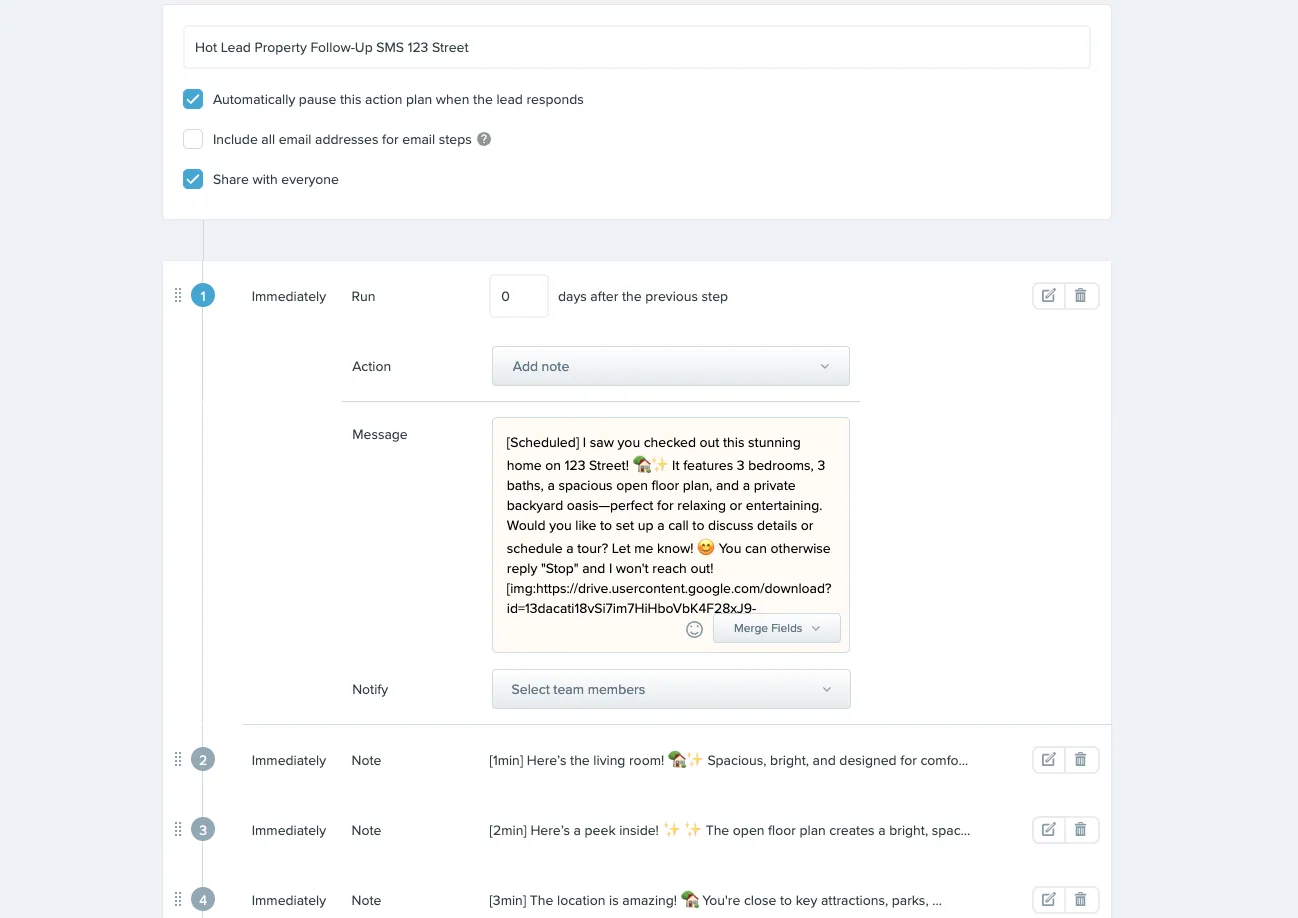
- Texts become real Action Plan steps. You add a text as a step in the Action Plans you already have, and it sends on its own. Our drip campaign tutorial shows the setup.
- Scheduled sends. Pick specific times, and keep every text inside your business hours.
- Bulk texts to a smart list. Launch a message to a whole Follow Up Boss smart list, with no fixed limit on list size. Here is how to send bulk texts in Follow Up Boss, step by step.
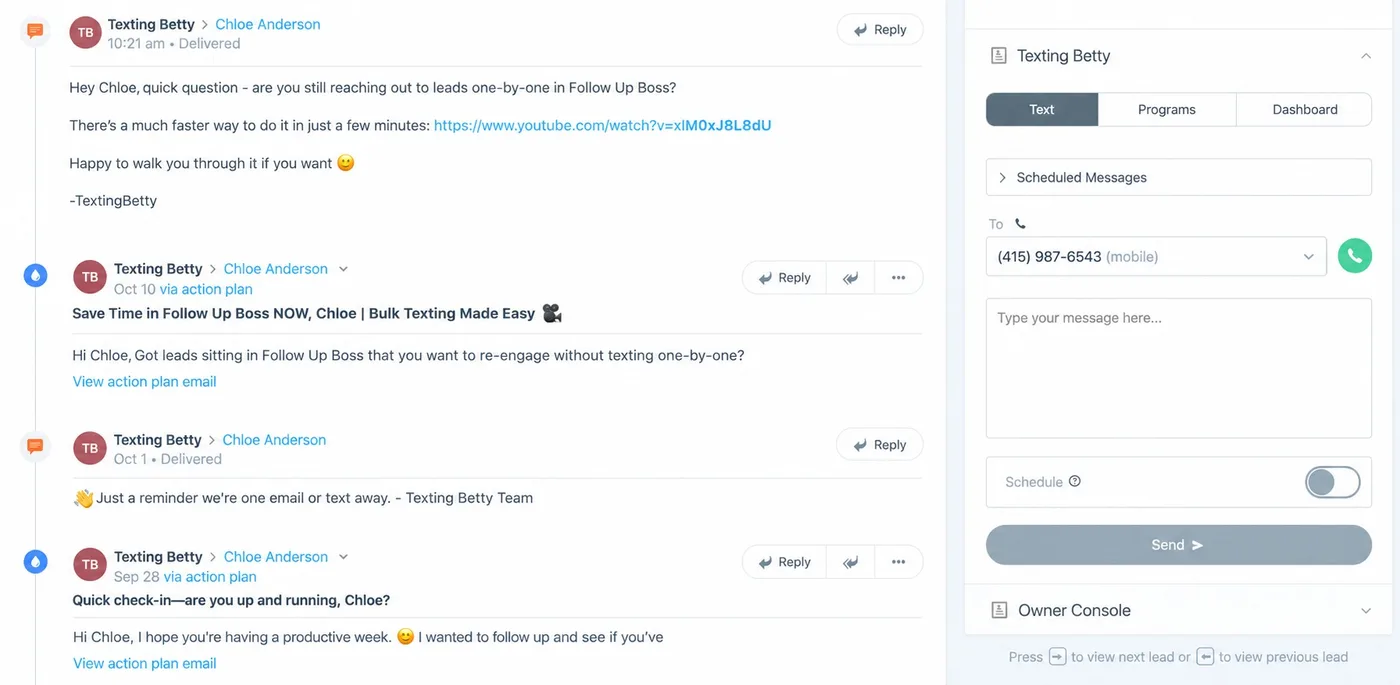
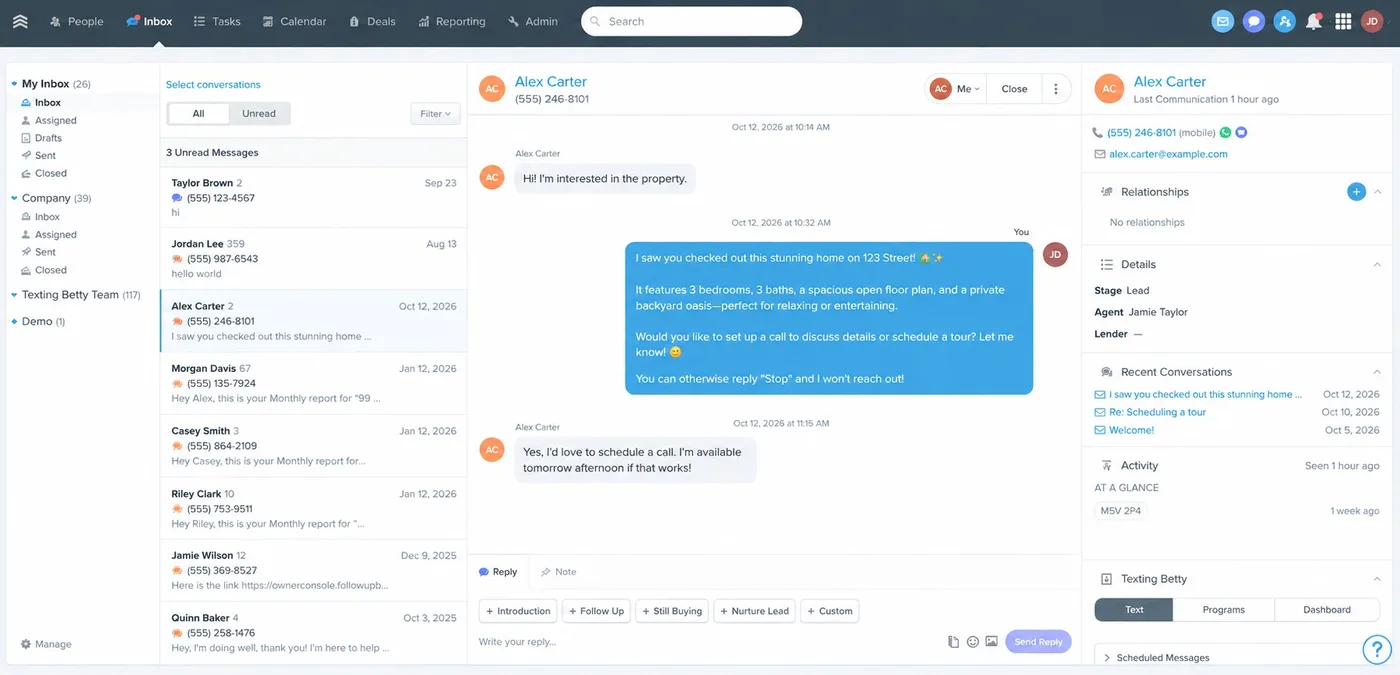
- Conversations stay in FUB. Replies show in the Follow Up Boss inbox and on the contact timeline through the Inbox App and Embedded App, and Texting Betty works with your FUB text templates.
- An AI Agent, included in every plan. It replies to new leads by text during your business hours, asks qualifying questions, updates FUB, and hands off to a person when needed.
- A dedicated texting number. A new number is provisioned for every account, in the area code you choose, so your main FUB number stays separate.
- Carrier registration handled for you. Our team submits it, and it is included in every plan.
- One price for the whole team. Plans are priced per team, not per user, and start at $149 per month.
Every tag and setting is documented in our guides.
“Texting Betty has been an incredible resource for our team. We truly couldn’t operate as effectively without it. The platform makes it easy to schedule long-term follow-ups (well beyond the 24-hour window most systems allow) and the texting action plans are especially valuable for nurturing leads and re-engaging those who haven’t yet connected with us.”
Julia O.
“Love Texting Betty. Have set it up for several clients in FUB and it works flawlessly for action plan texting too!”
Fawn M.
What to check before you pick a texting tool for FUB
Whichever tool you choose, these questions will save you a headache later:
- Does it work inside Follow Up Boss Action Plans, or in a separate website?
- Do replies show up in the FUB inbox and on the timeline?
- Is pricing per user or per team?
- Does it handle carrier registration (10DLC) for you?
- Does it use a dedicated number, separate from your main business line?
- Can you set business hours and sending limits?
- Is there a long-term contract?
Frequently Asked Questions
Does Follow Up Boss have texting?Yes. Follow Up Boss includes 1-to-1 and group texting from the desktop and mobile apps, with image and video texts and text templates. Every text is logged on the contact’s timeline.
Can Follow Up Boss send automated text messages?Partly. Instant Response can send one automated first text to new leads, and Schedule Text lets you queue a single text up to 24 hours ahead. Drip sequences, where several texts go out over days or weeks, are not included, so teams connect a partner integration for those.
Can you send mass texts in Follow Up Boss?No. Mass texting is not included. Follow Up Boss lists third-party options in its Help Center and also cautions that mass texting can be risky, so a careful, well-targeted approach matters.
Why doesn’t Follow Up Boss include drip texting?Follow Up Boss says it keeps drip and mass texting out of the product to protect the reputation of your business number, so your 1-to-1 and group texts keep getting delivered. Its plan is to keep integrating with specialized providers instead. You can read the full explanation in the FUB Help Center.
Do I need a separate phone number for automated texting?With Texting Betty, yes. A new dedicated texting number is provisioned for every account, and you pick the area code. Incoming calls to that number can forward to a number of your choice.
Do automated texts show up in my FUB inbox?With Texting Betty, yes. Conversations appear in the Follow Up Boss inbox and on the contact timeline through the Inbox App, so your team can reply from FUB on desktop or mobile.
How much does it cost to add texting to FUB?Texting Betty plans run from $149 per month for 1,000 texts to $799 per month for 10,000 texts, priced for the whole team rather than per user, with a brokerage plan for higher volume. Plans are month to month. See current plans and pricing.
The bottom line
Follow Up Boss is built for conversations: 1-to-1 texts, group texts, a first automated text, and AI help with drafting. Automation at scale, meaning drip sequences, bulk sends and AI that carries the conversation, is left to partners by design. If your Action Plans are full of “text this lead” tasks that never get done, a texting integration is the missing piece.
Related posts
How to Send Bulk Texts in Follow Up Boss
Follow Up Boss has batch email but no bulk texting. Here is how to text a list of contacts from FUB safely, step by step.
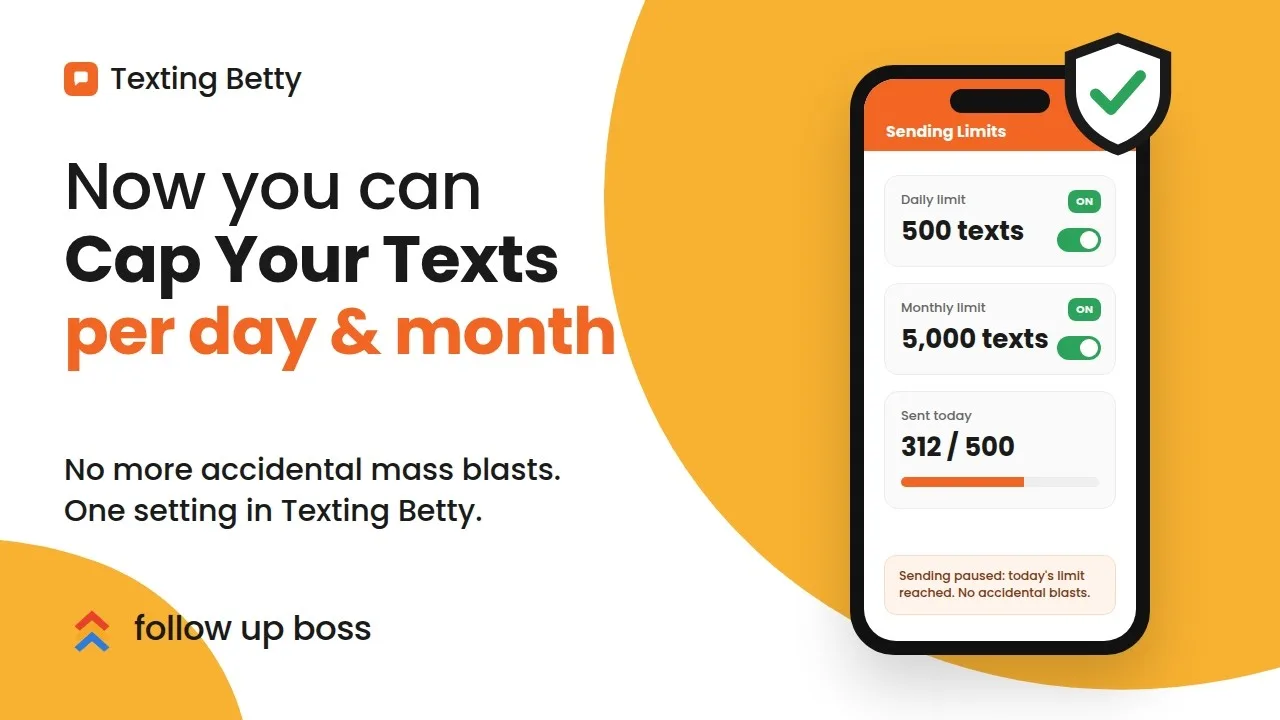
How to Set Sending Limits in Texting Betty
Set daily and monthly Texting Betty sending limits to stop runaway automation while keeping manual messages and AI replies flowing.
How to Verify Your Texting Betty Setup and Earn Your $200 Credit
Verify your Texting Betty setup, complete four tasks, and unlock your $200 credit fast.