
How to Verify Your Texting Betty Setup and Earn Your $200 Credit
That $200 charge isn’t a fee you lose. It’s a deposit, and you earn all of it back as account credit by completing four setup tasks. You can verify most of them yourself, without waiting for anyone.
Getting to Your Progress Tracker
Two ways in. You’ll get an email with a link to your tracker right after you submit your onboarding form. Or from your onboarding portal, click the green Track Your Progress button in the Earn Your Credit panel on the right.
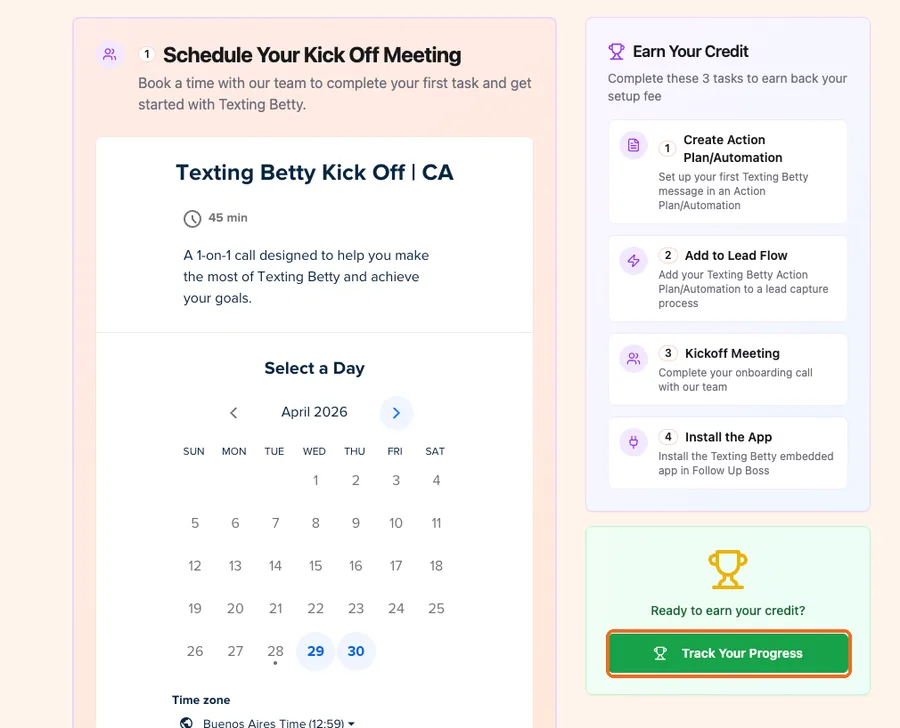
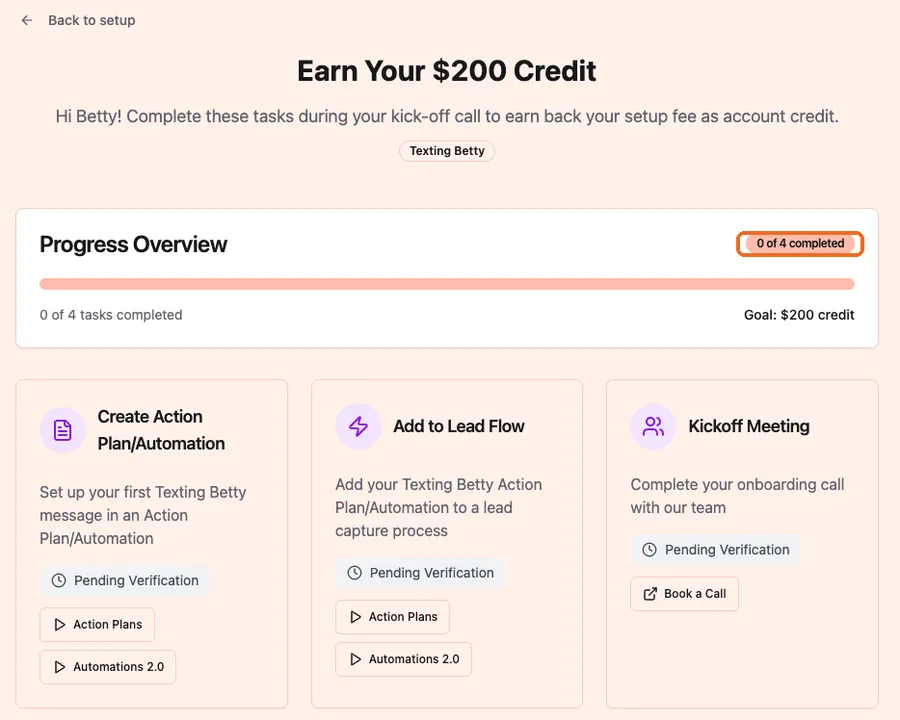
Either way you land on the same page, headed “Earn Your $200 Credit”, with your progress at the top: your count out of four, a progress bar, and your goal.
The Four Tasks
Create Action Plan/Automation. Set up your first Texting Betty message inside an Action Plan or Automation. The card links two short video tutorials, one for Action Plans and one for Automations 2.0, depending on which you use.
Add to Lead Flow. Connect that Action Plan or Automation to a lead capture process. Same two tutorials available on the card.
Kickoff Meeting. Complete your onboarding call with our team. If you haven’t booked it yet, the card has a Book a Call button.
Install the App. Install the Texting Betty embedded app in Follow Up Boss. The card has an Open Integrations & Install button that takes you straight there.
Until each one is confirmed, it shows as Pending Verification. Once confirmed, it turns green and reads Verified.
Verify Your Setup Without Waiting
If you’ve already wired Texting Betty into your lead sources, you don’t have to wait for your kick off call to get the tasks confirmed. Scroll to the blue Verify Texting Betty Setup panel and click Verify Setup Now.
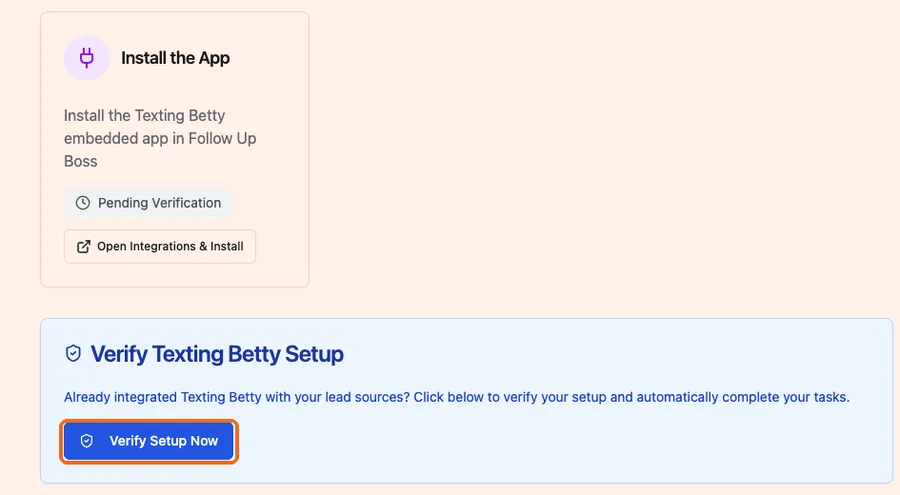
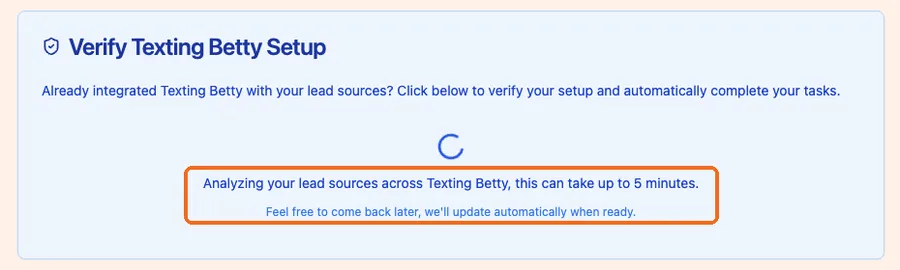
We then analyze your lead sources across Texting Betty and confirm what’s genuinely set up. This takes up to five minutes, and it runs on its own, so you can close the tab and come back. The page updates by itself when it’s done.
What we can see is your message history. We look for a lead that came in from one of your lead sources and got a Texting Betty message shortly after it was created. That timing is the proof: it means the first message to that lead went out automatically through your Action Plan or Automation, instead of being sent by hand later on.
So the thing that has to be true is this: Texting Betty has to be sending the first message for that lead source, automatically. If leads are coming in but their first message isn’t being sent by Texting Betty through your plan, there’s nothing for us to detect, no matter how correct the setup looks from your side.
The Task That Trips People Up
Add to Lead Flow is where most stalled trackers sit. Creating an Action Plan in Follow Up Boss is not the same as connecting it to a live lead source.
To count, the plan has to be attached to a real lead capture process, your website form, Facebook, Zillow, whichever brings leads in. That connection is exactly what we look for: a Texting Betty message that went out on its own the moment a new lead landed. A plan sitting unattached never fires that way, which is why it doesn’t count toward your credit. If you’re stuck at 3 of 4, check this one first.
When You Hit 4 of 4
The page switches to a Congratulations state confirming you’ve earned your $200. The credit is applied to your next Texting Betty subscription invoice.
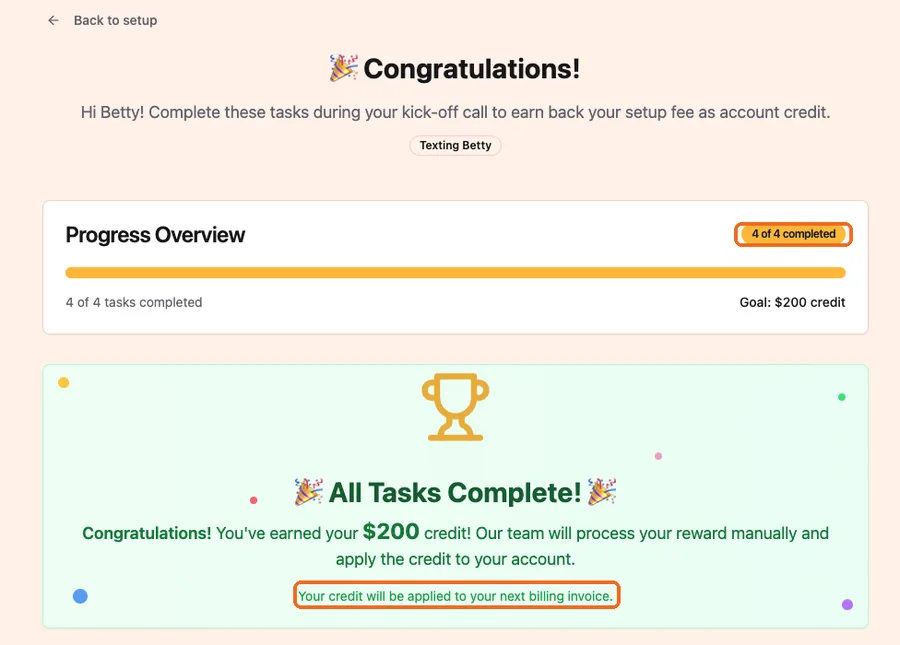
From there it draws down automatically. On the $149 plan your first month is fully covered so you pay $0, your second month applies the remaining $51 so you pay $98, and from month three you’re at the regular $149. On the $299 plan month one is $99, then $299 onward. On the $799 plan month one is $599, then $799 onward.
If Verification Comes Back Empty
If we don’t find any activity, the panel says so, and it lists the lead sources on your account so you know exactly where to run a test.
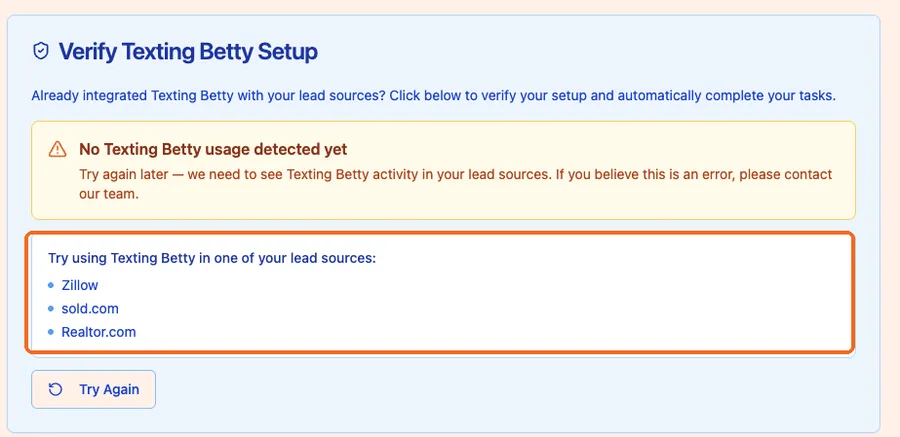
Nearly always this means the same thing: leads from that source aren’t getting their first Texting Betty message automatically. Either the Action Plan or Automation carrying your Texting Betty message isn’t applied to that lead flow, or the first message those leads receive is coming from somewhere else. Check that the plan with your Texting Betty message is the one that fires when a lead from that source arrives, then hit Try Again. Clicking again without changing anything returns the same result.
If you’re sure everything is done and it still won’t verify, email support@textingbetty.com or bring it up on your kick off call and we’ll confirm it manually. Same if you hit 4 of 4 but don’t see the credit on your invoice.
Related posts
How to Send Bulk Texts in Follow Up Boss
Follow Up Boss has batch email but no bulk texting. Here is how to text a list of contacts from FUB safely, step by step.
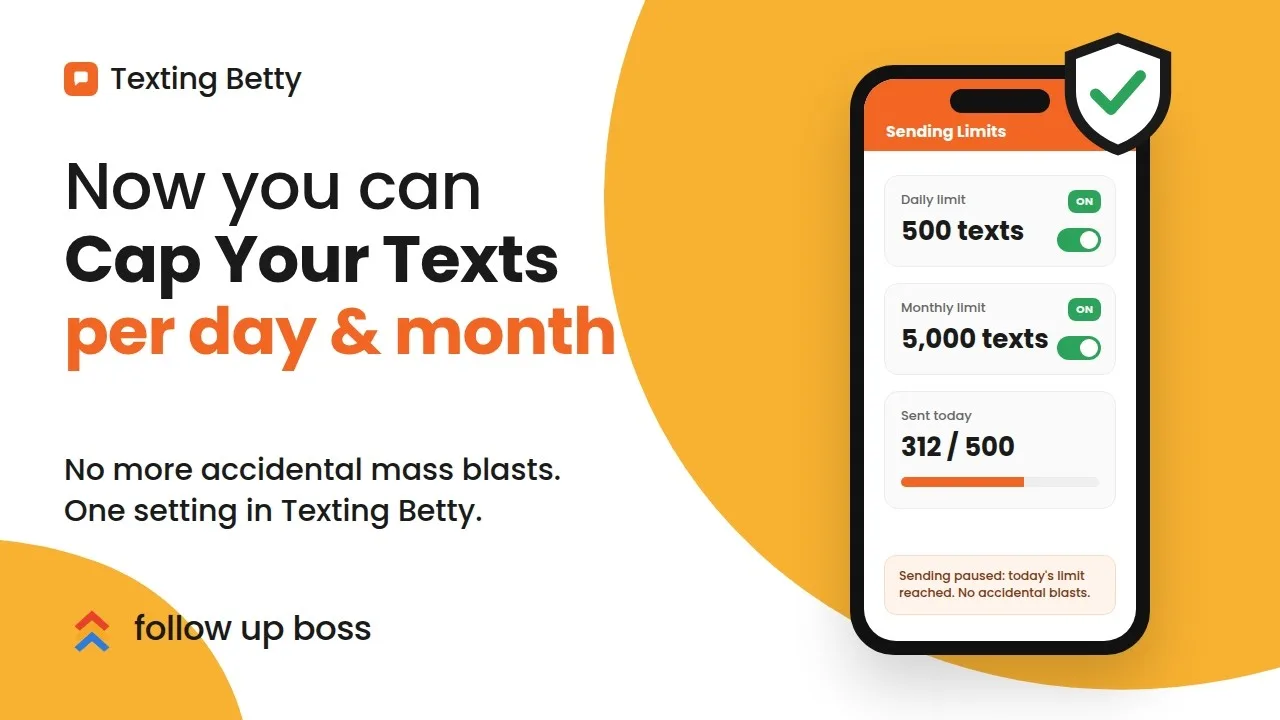
How to Set Sending Limits in Texting Betty
Set daily and monthly Texting Betty sending limits to stop runaway automation while keeping manual messages and AI replies flowing.
How to Give Delegated Access to Your Follow Up Boss Account
Grant secure, time-boxed access in Follow Up Boss for support and integrations, with clear limits and instant revoke.