

How to Give Delegated Access to Your Follow Up Boss Account
When our support team needs to look at your setup to fix something, we used to have to ask awkward questions about credentials. Follow Up Boss solved that with Delegated Access: you generate a link that lets an approved partner sign in as you for a window you control, and you can shut it off at any moment.
Your password is never shared, and never seen.
Who Can Create One
Only Follow Up Boss Owners and Admins. If you’re a regular user on a team account, you’ll need your admin to set it up.
How to Create a Delegation
From Follow Up Boss, click Admin in the top navigation, then More in the Admin sub navigation, then API.

On that page, scroll down for the section called Delegated Access.
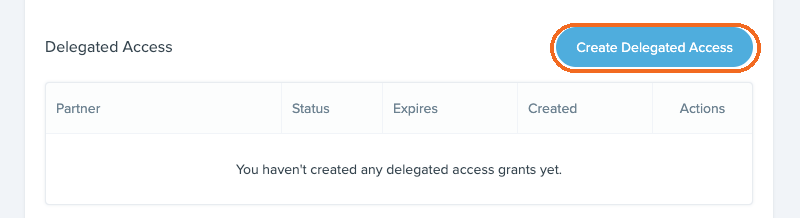
Click Create Delegated Access and fill in four fields:
- Trusted Partner: pick the partner organization from the approved list. For us, choose TextingBetty (textingbetty.com). This one is locked once created.
- Restrict to specific email addresses: optional. Leave it unchecked and anyone at textingbetty.com can use the link.
- Single use: check it and the first person on the list to open the link claims it, and it can’t be reused. This setting is also locked once created.
- Expires in: anywhere from 1 hour to 30 days.
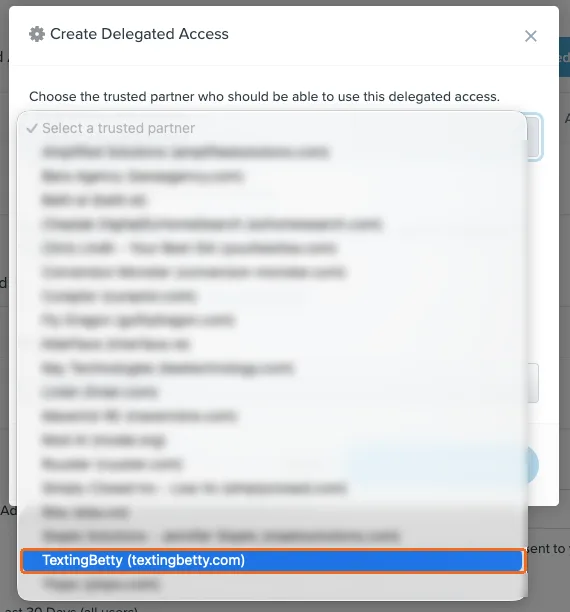
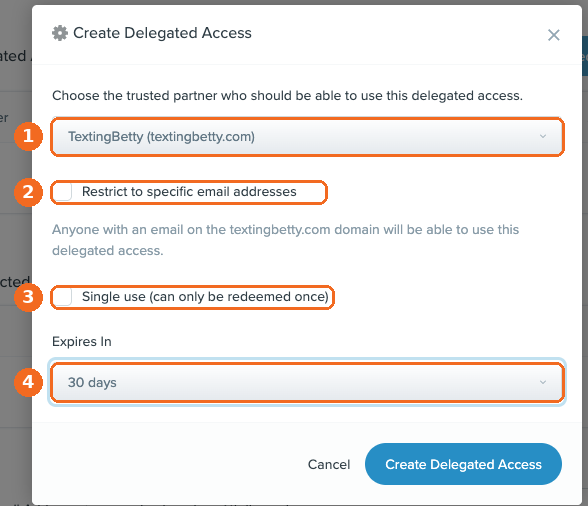
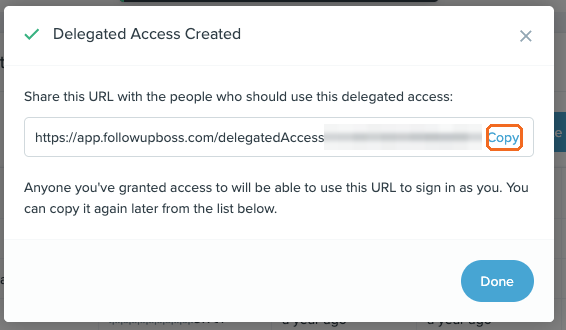
Click Create Delegated Access, then copy the URL from the confirmation dialog and send it to the person who needs it. You can copy it again later from the delegation list if you lose it.
Choosing the Right Settings
For a one off support question, single use with a short window is the right call. For integration or setup work that may take a few sessions, give it a wider window and revoke it when the work is done. You can always adjust the expiration later, though the single use setting and the partner selection can’t be changed after creation.
What the Delegated Person Can and Can’t Do
They get broad admin access, enough to configure integrations and do real support work, with three hard stops built in. They cannot pass access on to anyone else, cannot reset any user’s email or password, and cannot change multi factor authentication settings. Those controls stay with you by design, because they’re the ones that protect the account itself.
How to Shut It Off
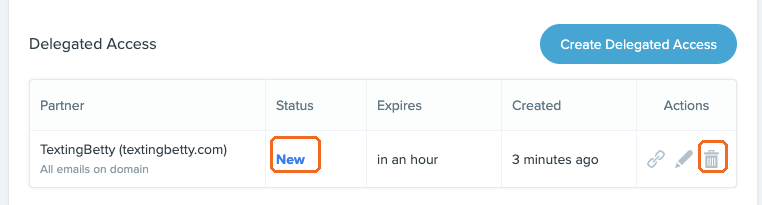
Revoke it from the same delegation list. Revocation is immediate, with no grace period: anyone signed in through that delegation is signed out right away, even mid task. A revoked delegation can’t be reactivated, so you’d create a new one if you need to grant access again.
The list also shows you exactly where each delegation stands: New means created but not yet used, Active means in use, Used means a single use link has been claimed, Expired means the window passed, and Revoked means you shut it off.
When We’ll Ask You for This
If you’ve written to our support team about something that needs a look inside your account, we’ll ask you to create a delegation for Texting Betty rather than asking for any credentials. Send us the link and we’ll take it from there.
Questions about any of this, or want help setting it up? Email support@textingbetty.com.
Frequently Asked Questions
Do I have to share my Follow Up Boss password?
No. Delegated access never exposes your password. The person you grant it to verifies their own identity through their company’s Google or Microsoft account.
How long does access last?
Whatever you set when you create it, from 1 hour to 30 days. You can revoke it before then at any time.
Do I need to log out first?
No. A delegated session runs independently of yours, so you can keep working while they’re in.
Can I see whether the link has been used?
Yes. The delegation list shows the status of every link you’ve created.
If you need more information you can reference the Follow Up Boss Article.
Related posts

How to Send Bulk Texts in Follow Up Boss
Follow Up Boss has batch email but no bulk texting. Here is how to text a list of contacts from FUB safely, step by step.
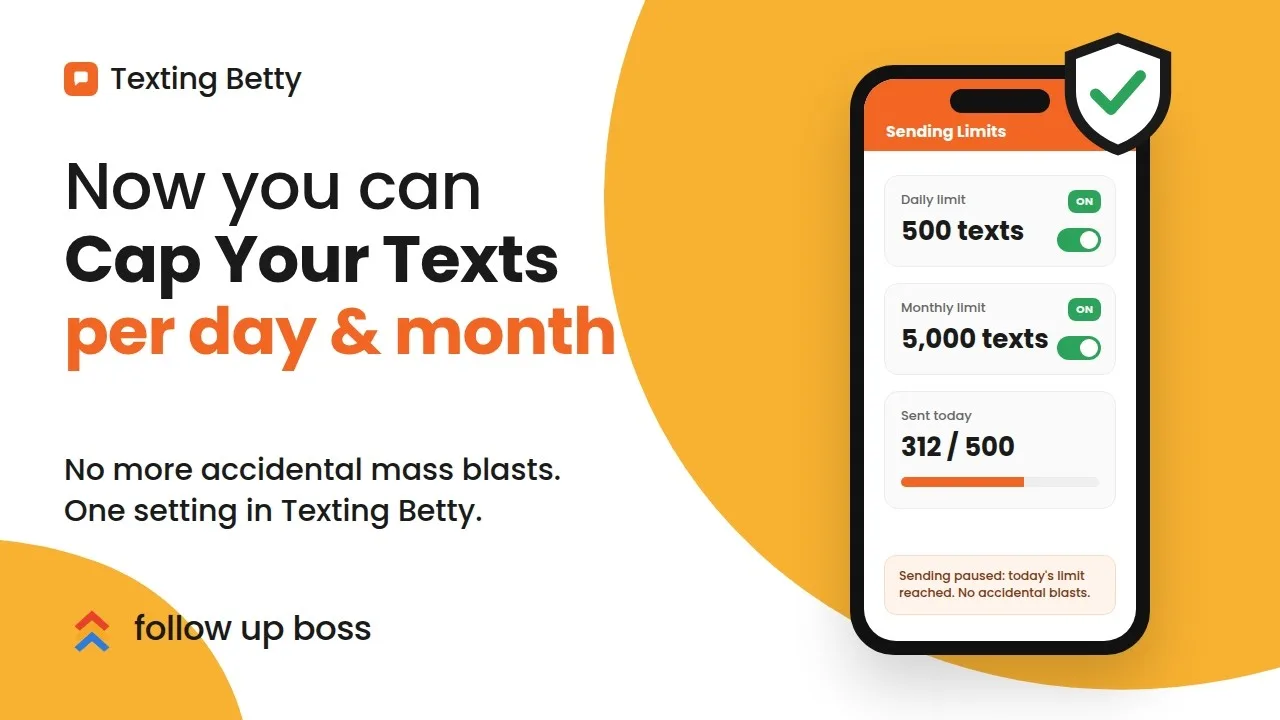
How to Set Sending Limits in Texting Betty
Set daily and monthly Texting Betty sending limits to stop runaway automation while keeping manual messages and AI replies flowing.
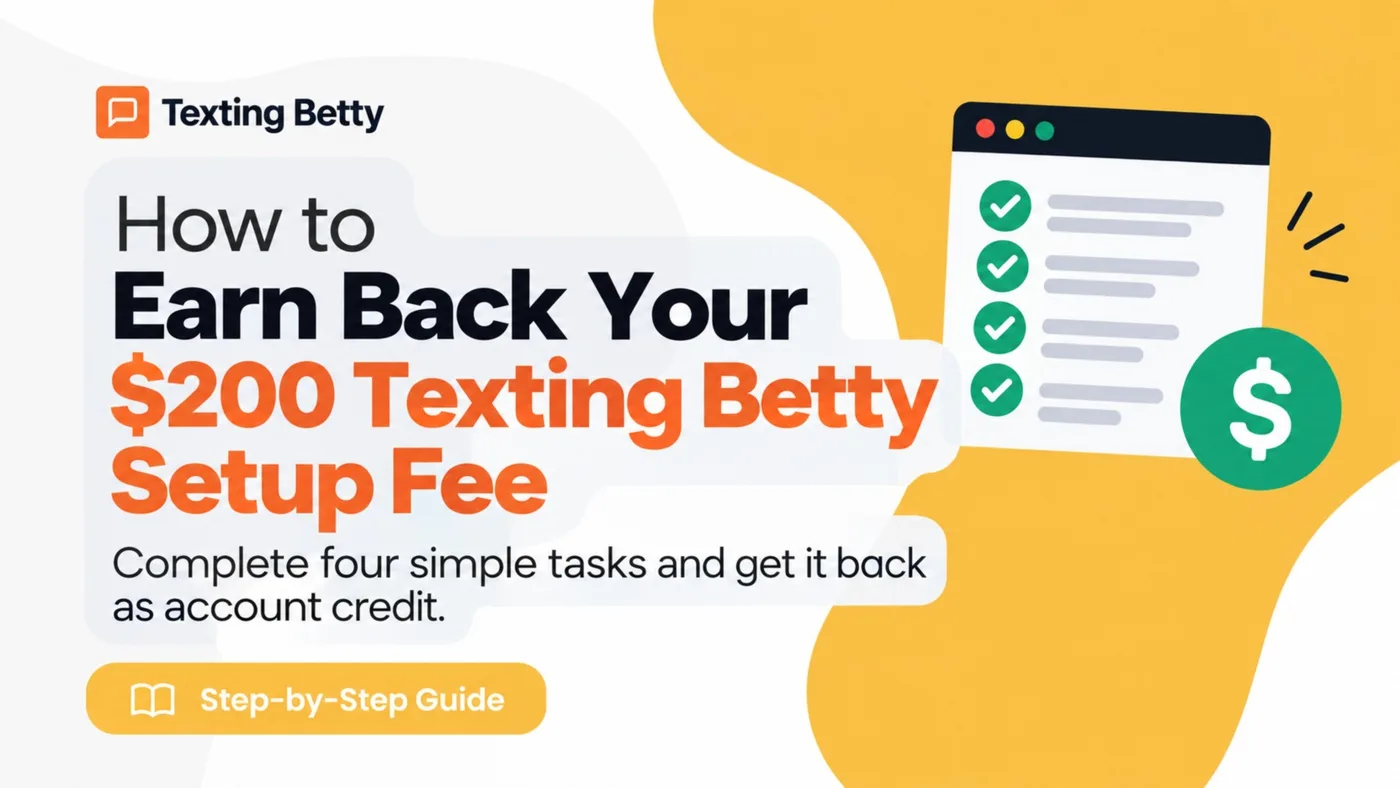
How to Verify Your Texting Betty Setup and Earn Your $200 Credit
Verify your Texting Betty setup, complete four tasks, and unlock your $200 credit fast.