
Texting Betty Login: Access Your Account & Dashboard
Texting Betty Login: How to Access Your Account and Usage Dashboard
If you’re using Texting Betty with Follow Up Boss, you’ll want to keep tabs on your texting activity and engagement metrics. Fortunately, there’s a built-in usage dashboard that gives you all the insights you need to track your team’s performance. Let me walk you through exactly where to find it and what you can expect to see.
Finding the Usage Dashboard
When you open the Texting Betty embedded app within Follow Up Boss, you’ll notice two main sections available: Text and Dashboard. To access your analytics, simply click on the Dashboard section. This will open a new tab displaying your comprehensive usage panel.
The dashboard is designed to give you a complete overview of your texting activity at a glance. You’ll be able to see important metrics like your total outbound text messages, overall message counts, and perhaps most importantly, your engagement rate. These metrics help you understand how effectively your team is connecting with leads and clients through text messaging.
Is There a Separate Texting Betty Login?
No. Texting Betty doesn’t have its own login page or customer portal. It lives entirely inside Follow Up Boss, so there’s no separate username or password to remember.
Once your account is set up and your campaign registration is approved, you’ll find Texting Betty as an embedded app in the right hand panel of Follow Up Boss. Everything, including the usage dashboard covered below, is accessed from there.
If you just signed up and don’t see the app yet, here’s what’s likely going on:
- You haven’t finished onboarding. After purchase you should have been redirected to the onboarding portal to connect your Follow Up Boss account and submit your business and campaign registration details.
- Your campaign is still pending carrier approval. This typically takes 3 to 5 business days after onboarding is submitted.
Once approval comes through, open Follow Up Boss and look for Texting Betty in the right hand panel. Still not seeing it? Email support@textingbetty.com and the team will check your account.
What You’ll Find in the Dashboard
- Usage Analytics: Track message volume, engagement rates, and team performance.
- Action Plan Builder: Design and bulk launch sequences with AI assistance.
- AI Agent Management: Create, configure, and test your automated responder.
- Account Settings: Manage business hours, call settings, set send limits and TCPA compliance rules.
- Billing: Access your subscription from the dashboard to update your payment method, view invoices, or change plans.
Troubleshooting Access Issues
In some cases, you might not see the Usage section appear in your Texting Betty embedded app within Follow Up Boss. If that happens, don’t worry, it’s a simple fix. Just reach out to the Texting Betty support team by sending an email to support@textingbetty.com, and they’ll enable this feature for your account right away.
Having access to these usage analytics is essential for optimizing your text messaging strategy and ensuring you’re getting the most value from your Texting Betty integration. Whether you’re tracking individual performance or analyzing campaign effectiveness, this dashboard puts all the data you need right at your fingertips.
Related posts
How to Send Bulk Texts in Follow Up Boss
Follow Up Boss has batch email but no bulk texting. Here is how to text a list of contacts from FUB safely, step by step.
READ MORE »: How to Send Bulk Texts in Follow Up Boss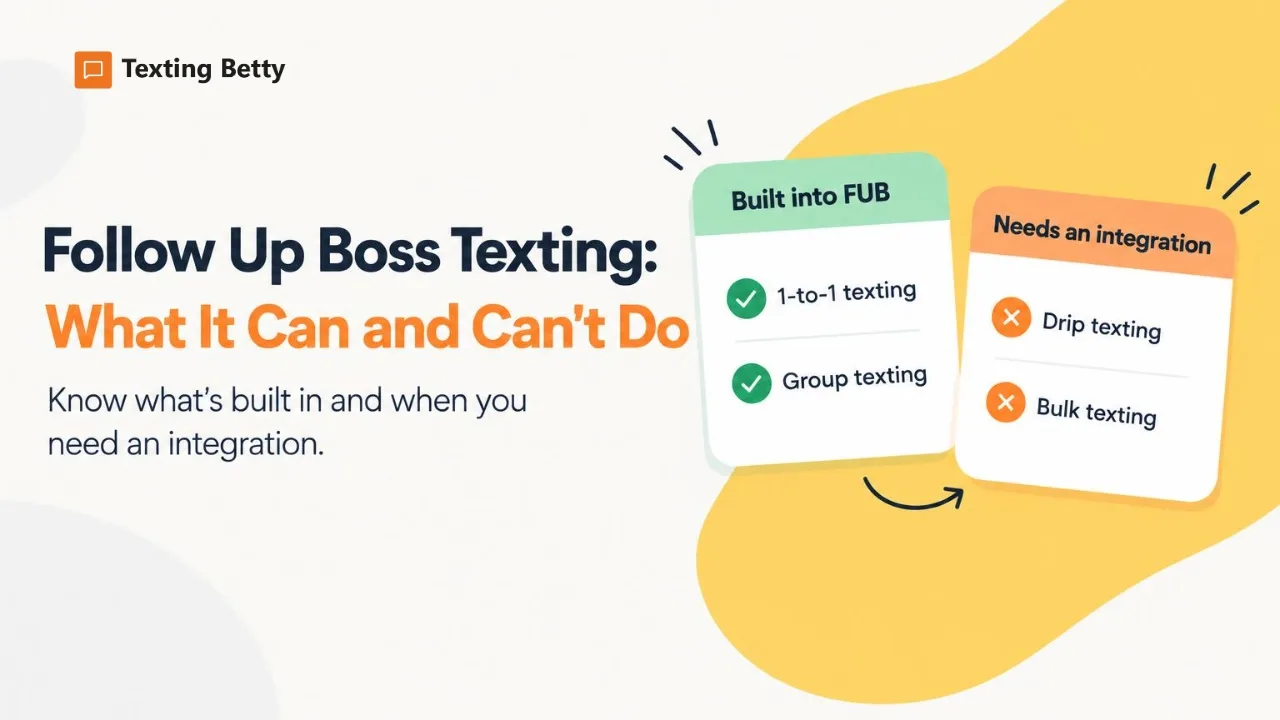
Follow Up Boss Texting: What It Can and Can’t Do
What Follow Up Boss texting includes, what it leaves out (drip and bulk texts), and how teams add automated texting inside FUB.
READ MORE »: Follow Up Boss Texting: What It Can and Can’t Do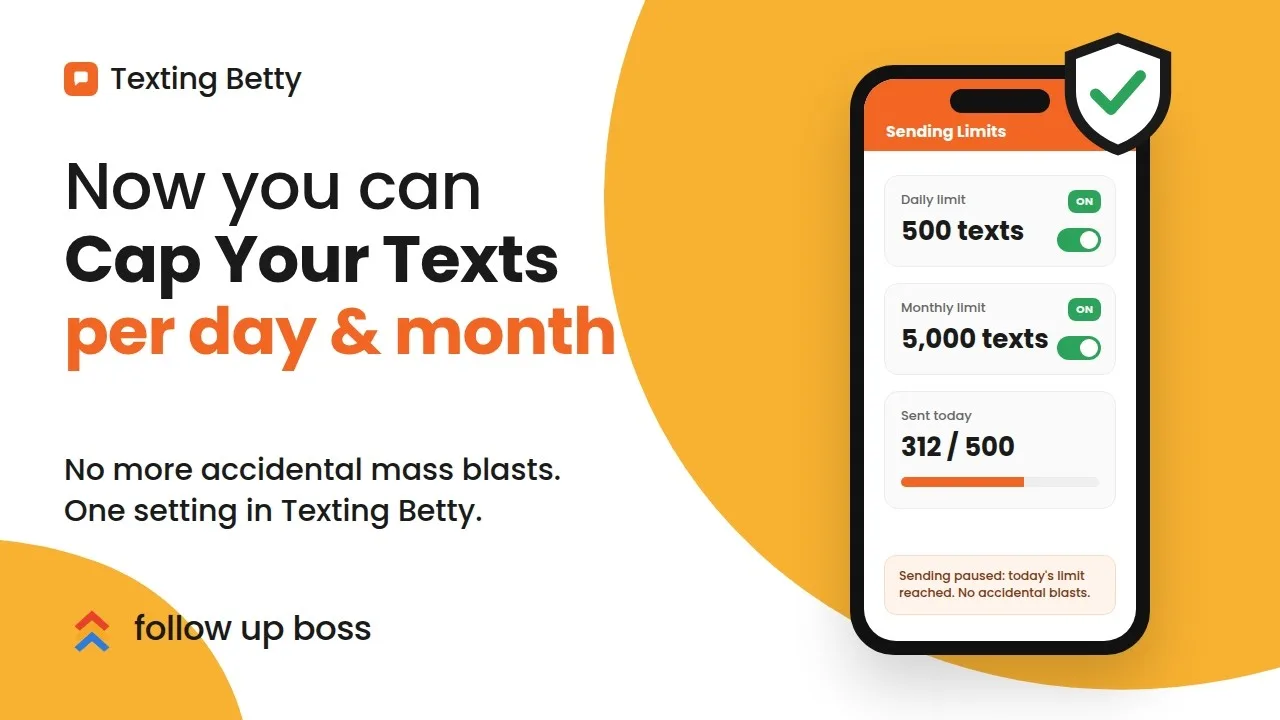
How to Set Sending Limits in Texting Betty
Set daily and monthly Texting Betty sending limits to stop runaway automation while keeping manual messages and AI replies flowing.
READ MORE »: How to Set Sending Limits in Texting Betty